
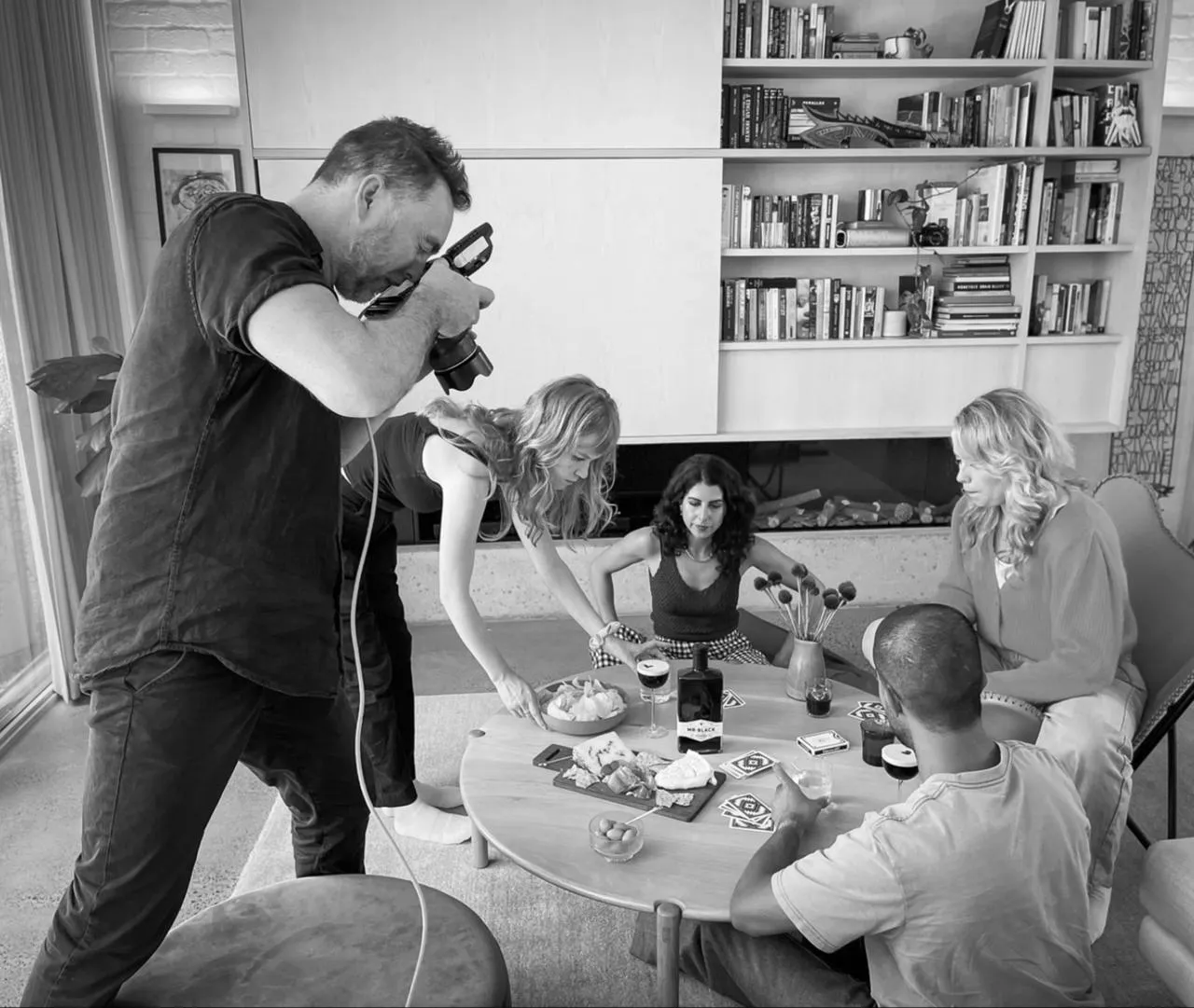
Guy Davies is a commercial photographer based in Sydney, NSW. Every shoot ends the same way: a set of selects the client wants on their feeds, across several channels, as soon as possible. The photography was never the bottleneck. Getting it posted was.
Posting was the part worth avoiding
Before Pallyy, Guy describes his workflow in two words: messy and disorganised. Content lived across multiple apps, every post was rebuilt by hand for each channel, and the whole exercise took far longer than it should have.
“Social posting was taking way too long for my business. Even though it is essential for any business, I would often avoid doing it as it was so time consuming.”
 Guy Davies, Guy Davies Photography
What he needed was specific: one platform that was easy to upload to, let him design posts in advance, and made it simple to share everything with his staff and clients for sign-off before it went live.


From selects to scheduled in one place
Now every shoot follows the same path. Once a shoot is complete, the selects are loaded into Pallyy and matched to post ideas the team has already written and saved. From there, posts are scheduled and shared with the client through the social media approval tool to sign off before anything publishes. As Guy puts it: super easy, streamlined, and no fuss.
Two features carry most of the weight. The Instagram grid view shows how each client's feed will work visually before posts go live, essential when the feed itself is the portfolio. And Clone to Sets copies posts across multiple client sets in a click, which, together with saved ideas and hashtags, dramatically speeds up a process that used to swallow whole days.
With all content stored in one place, sharing work across the team stopped being a chore. And because hospitality clients want to see what they are paying for, Guy leans on the statistics and reports to show results visually.
“Pallyy saves me days per week. Previously I would be using multiple apps to get the same result much slower.”
Guy Davies, Guy Davies Photography
Days back, stress gone
The impact is easiest to measure in time: days per week that used to disappear behind the computer now go back into shoots and clients. Just as important, Pallyy took away the stress and hassle of content posting, and made it possible to manage multiple clients across every channel seamlessly. He also credits the support: whenever he needs help with anything, the response is quick.
His advice for anyone in the same position is simple.
“If you are after an app that simplifies and streamlines your content posting, this is the app for you.”
Guy Davies, Guy Davies Photography