Contents
Pallyy and Buffer both offer scheduling, analytics and tools for managing audience conversations. The practical differences are how they charge, which conversations they support, and how teams review content. Buffer charges per channel with volume discounts; Pallyy bundles social sets and users by plan.
We make Pallyy. This comparison uses published plan details and documented features, with costs calculated for specific setups so you can check the assumptions against your own.
Pallyy vs Buffer at a glance
Prices below are USD per month on monthly billing, before tax, checked on 19 October 2026.
| Pallyy | Buffer | |
|---|---|---|
| Pricing model | Plans bundle social sets and users; eligible add-ons cost extra | Per channel, with discounts above 10 channels |
| Free plan | 1 social set, 1 user, 15 image posts/month | 3 channels, 1 user, 10 queued posts per channel |
| One brand, 7 networks, 1 user | Pro: $25 | Essentials: $42 |
| Inbox | Supported comments, DMs and reviews on Pro and above | Community inbox for supported comments; no DMs |
| Analytics and reports | Analytics available on Free; custom reports on Agency and Scale | Limited history on Free; advanced analytics and exports on paid plans; branded reports on Team |
| Approvals | Pro and above, including no-login client approval links | Team, from $12/channel |
| Team users | Pro: 1; Agency: 3 included; Scale: 10 included | Essentials: 1; Team: unlimited |
Where Buffer is a better fit
- A small free queue. Three channels and ten queued posts per channel can cover a solo creator's routine. The slots refill as posts publish; it is not a monthly posting allowance.
- Lots of collaborators. Team includes unlimited users, which matters when comparing it with a plan that charges for extra teammates.
- Specific networks. Buffer supports Mastodon and Substack, which Pallyy does not currently support. Check the exact networks and formats you need.
- An existing workflow that works. Buffer already has an Instagram grid preview, CSV uploads and a Community inbox. Those features alone are not reasons to switch.
These capabilities are listed in Buffer's pricing and features, its Instagram grid preview guide and its bulk-upload guide.
What each setup costs
These examples use monthly billing for both tools. A Pallyy social set holds one account of each supported type; it does not cover an unlimited number of profiles from the same network.
One creator on four networks (Instagram, TikTok, LinkedIn and X): Buffer Essentials is 4 × $6 = $24/month. Pallyy Pro is $25/month. Both include one user. Buffer Free may be enough if you only need three channels and a short queue.
One brand on seven networks (adding Facebook, Pinterest and YouTube Shorts): Buffer Essentials is 7 × $6 = $42/month. Pallyy Pro remains $25/month, assuming one supported account of each type and one user.
Five clients on six networks each, with three teammates and approvals: Buffer Team has 30 channels and costs $195/month after volume discounts: 10 × $12 + 15 × $4 + 5 × $3. Pallyy Agency costs $99/month, including 10 sets and 3 users. Five sets cover this example, leaving five available.
The same five clients managed by one freelancer can fit Pallyy Pro plus four extra sets: $25 + 4 × $10 = $65/month, including shared-calendar approvals. That price does not include extra team users or custom reports. Choose Agency if you need those features.
The Buffer calculations use its published volume rates; Pallyy's allowances and add-ons are in the pricing breakdown. Buffer can be cheaper for a few channels, while Pallyy's set bundles can suit brands spread across several supported networks. Users, reporting and account types can change the result.
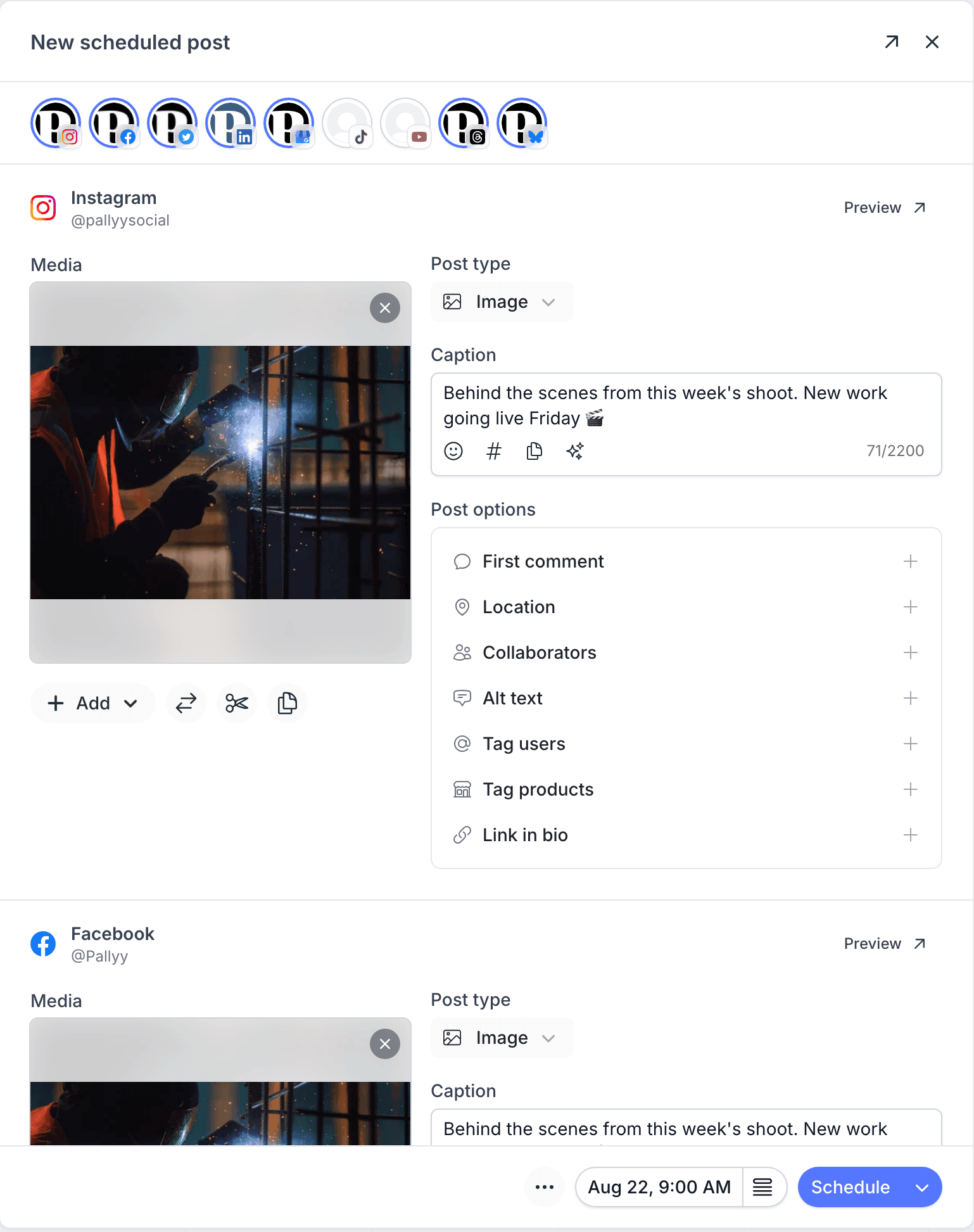
Pallyy
- Free$0
- 1 social set, 1 user, 15 image posts per month
- Pro$25/month
- 1 social set and 1 user; scheduling, analytics, inbox and approvals. Extra sets $10/month; no extra users
- Agency$99/month
- 10 social sets, 3 users and custom reports; extra sets and users $10/month each, within plan limits
- Scale$199/month
- 30 social sets, 10 users and custom reports
Buffer
- Free$0
- 3 channels, 1 user, 10 queued posts per channel; slots refill as posts publish
- EssentialsFrom $6/channel/month
- 1 user, unlimited scheduling, analytics and Community inbox; annual and volume discounts available
- TeamFrom $12/channel/month
- Unlimited users, approvals and branded reports; annual and volume discounts available
Prices last verified 19 October 2026. Always confirm current pricing on each vendor's site.
Comments, DMs and reviews
Buffer's Community inbox brings supported comments together across multiple networks. It includes reply tools and saved replies, so describing it as having no inbox would miss a substantial part of the product. It does not provide a DM inbox.
Pallyy's social media inbox, included on Pro and above, handles supported comments, messages and reviews, including Instagram and Facebook DMs, Google Business reviews and TikTok comments. Coverage varies by network; X has no Pallyy inbox support. Publishing support does not mean every network also supports messages or analytics.
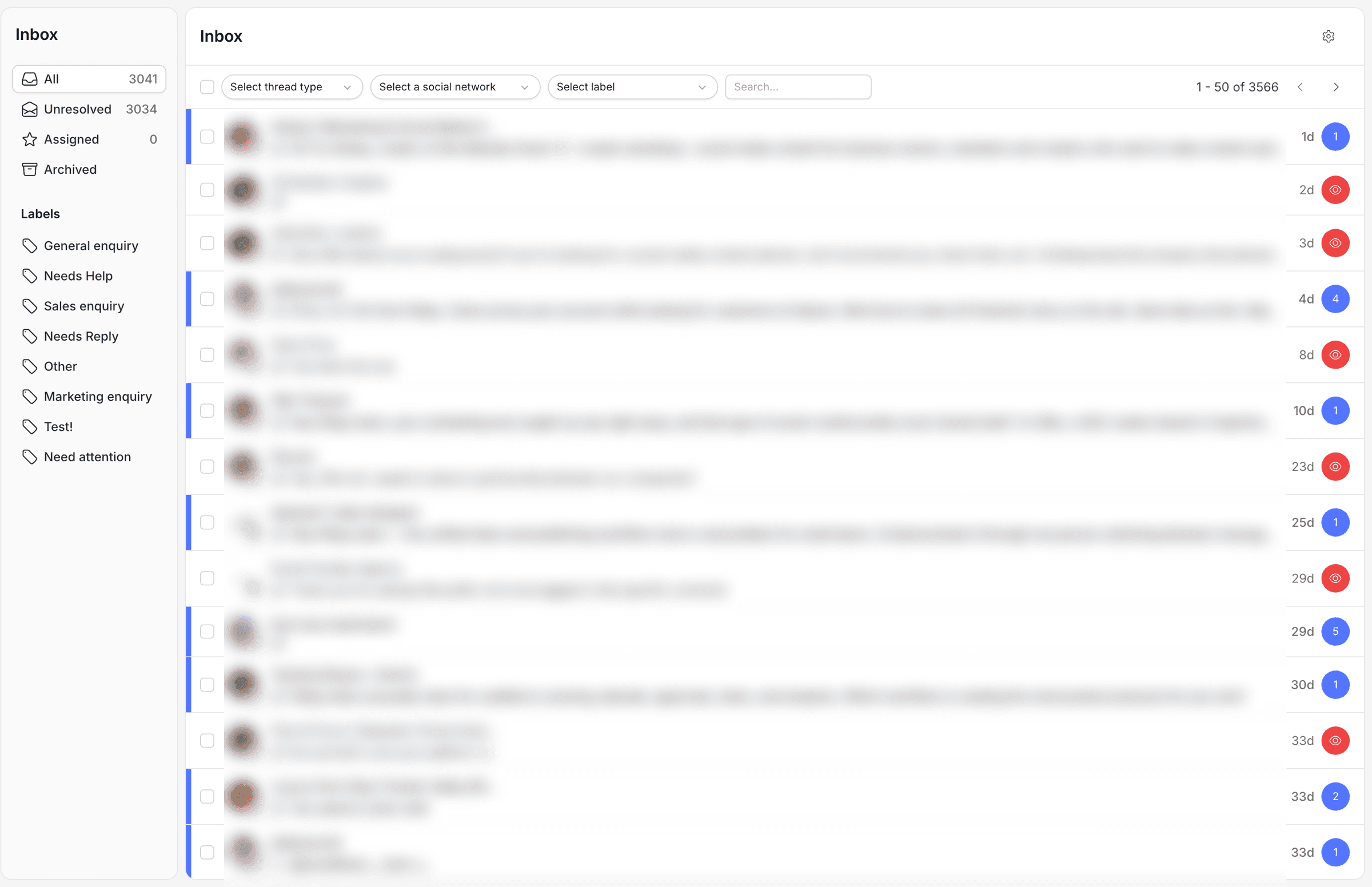
If you mainly reply to public comments, test Buffer's Community tools before moving. If your daily work includes DMs, compare Pallyy's coverage against your actual account types.
Analytics and client reports
Buffer's paid plans include advanced channel and post analytics, plus report exports. Team adds branded reports. It is more than a basic post-metrics view.
Pallyy includes analytics, with 30 days of retention on Free and longer history on paid plans. Custom client reports require Agency or Scale; they are not included in the $25 Pro plan. Neither analytics nor inbox support extends to every network Pallyy can publish to.
For a useful comparison, list the networks, metrics, branding and delivery format your clients expect, then price the plans that meet those requirements.
Approvals and team access
Buffer's Team plan includes approval workflows and unlimited users, with channel-based pricing. Pallyy's approval workflows start on Pro: a client can review content through a shared link without a Pallyy login.
Client approval links and team logins are different. Pallyy Pro includes one user and cannot add teammates. Agency includes three users and offers extra users for $10/month each, within its plan limits. Scale includes ten users. This distinction is why a solo freelancer can use Pro for client approvals while an agency with several staff members needs a team plan.
Who should pick which?
Stay on Buffer if: its free plan covers your queue, you need its supported networks, or its unlimited Team users and volume discounts suit your setup.
Consider Pallyy if: you plan one brand across several supported networks, want no-login client approvals, or need supported DMs alongside comments and reviews.
Shortlist by your actual workflow and try a real week of drafting, feedback and reporting. Our Buffer alternatives roundup compares ten options if you want to look beyond these two, and the comparison index covers the other Pallyy matchups.
How to switch from Buffer to Pallyy
Check compatibility and your existing queue before moving:
- List your Buffer channels and match them to Pallyy's integrations. Each set holds one account per supported type; four Instagram accounts need four sets.
- Pick the Pallyy plan that covers your sets and users. The free plan needs no card; the separate 14-day paid-plan trial requires card details and charges after the trial unless cancelled.
- Reconnect compatible profiles, recreate your queue times, and prepare upcoming posts. There is no automatic transfer of your Buffer queue into Pallyy.
- Test client approvals and team access on the appropriate plan. Choose a cutover date and remove duplicate scheduled posts from one tool before enabling the same content in the other.
Published posts stay on the networks. Historical reports, drafts and scheduled content are separate, so save anything you need from Buffer before cancelling.
Pallyy vs Buffer FAQ
Is Pallyy cheaper than Buffer?
It depends on your profiles, users and features. On monthly billing, four Buffer Essentials channels cost $24 and Pallyy Pro costs $25 for one set and one user. For one brand with seven supported networks, those totals are $42 and $25. For 30 channels, three teammates and approvals, Buffer Team costs $195 after volume discounts, while Pallyy Agency costs $99 with ten sets and three users.
Does Buffer have a social inbox?
Yes. Buffer's Community inbox supports managing comments across multiple networks, but not DMs. Pallyy's paid plans include an inbox for supported comments, DMs and reviews. Coverage depends on the network; Pallyy does not currently offer an X inbox.
Can I use both Buffer and Pallyy for free to compare?
Yes. Buffer Free includes three channels and ten queued posts per channel. Pallyy Free includes one set, one user and 15 image posts per month. Neither free plan requires a card. Pallyy's separate 14-day paid-plan trial requires card details; cancel before it ends to avoid a charge.
Does Pallyy Pro include client approvals?
Yes. Pro includes approvals and shared-calendar links that clients can use without a Pallyy login. It includes only one team user and cannot add teammates. Agency includes three users and custom reports, with additional users available as paid add-ons.
Which has the better free plan, Buffer or Pallyy?
Buffer suits a small ongoing queue across three channels; its ten-post slots refill when posts publish. Pallyy covers one social set with 15 image posts per month and 30 days of analytics. Both have visual planning tools. Choose based on account types, formats and volume, rather than assuming one free plan covers every workflow.
Do my scheduled Buffer posts transfer to Pallyy?
There is no automatic Buffer-to-Pallyy queue transfer. Reconnect supported profiles and rebuild upcoming posts. Check both queues before the cutover to avoid duplicate publishing, and save any Buffer reports or drafts you need. Published posts remain on the networks.