Contents
SocialBee is a specialist, and a good one. Its whole design revolves around one idea: organize content into categories, queue the categories, and let evergreen posts recycle forever. For a certain kind of account (consultants, coaches, SaaS blogs with deep archives) that engine quietly posts forever, and nothing else on the market does it as well.
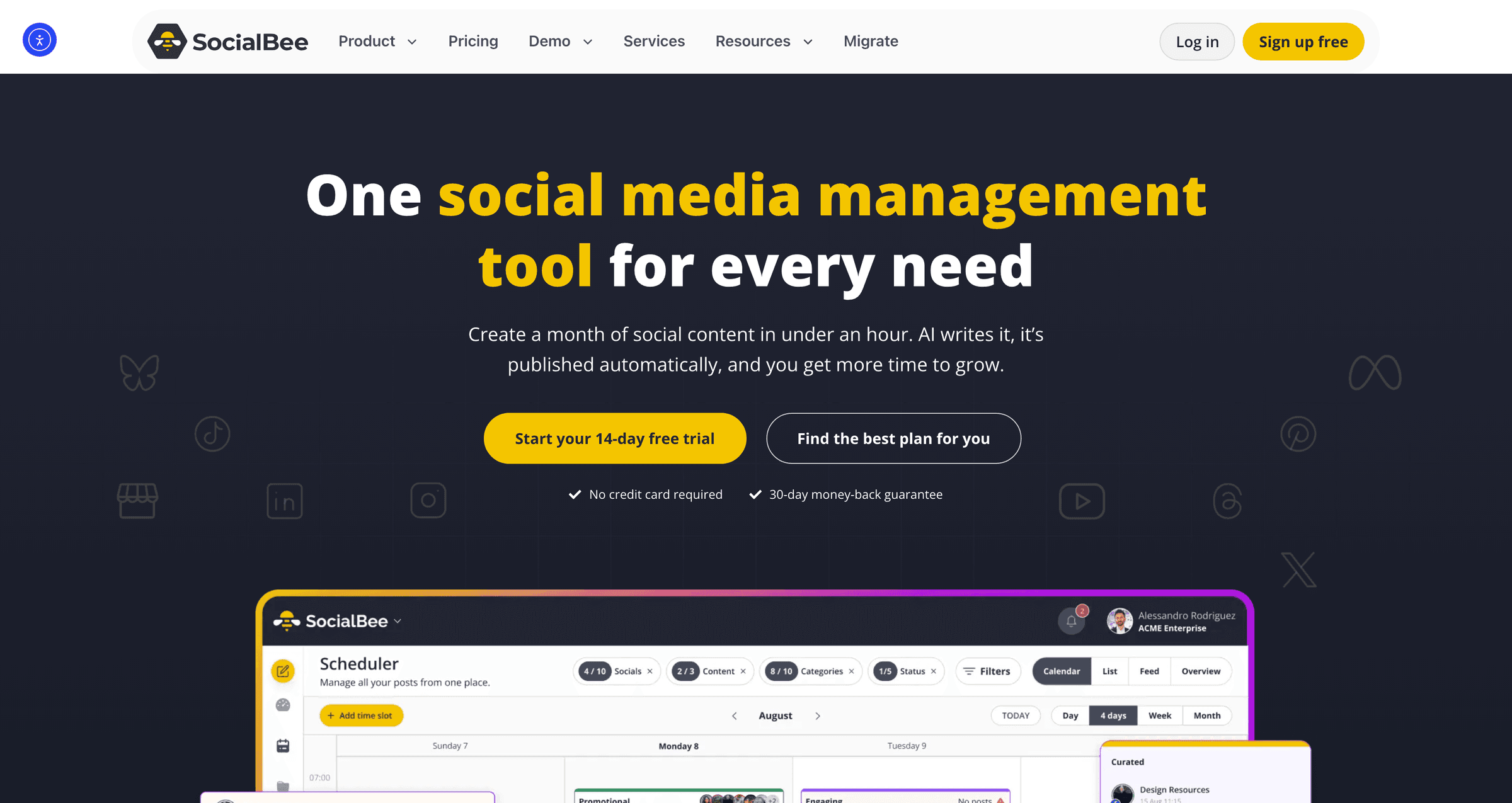
An honest comparison starts there: if evergreen recycling is your entire strategy, SocialBee is the right tool and this page will not talk you out of it. The rest of this page is about everything that sits outside that specialty, which is where most growing accounts eventually find themselves.
Pallyy vs SocialBee at a glance
| Pallyy | SocialBee | |
|---|---|---|
| Starting price | Free, paid from $15/mo | $29/mo |
| Team members | Included on Pro sets | 1 user until $99 Pro |
| Evergreen recycling queues | No | Best in class |
| Unified inbox | Included | No |
| Analytics history | Retained on paid plans | 3 months on Bootstrap |
| Extra profiles | Per social set | $15/mo per 5-pack |
| Best for | Teams, agencies, fresh content | Solo evergreen publishers |
The specialist's trade-offs
One user until $99. Bootstrap ($29) and Accelerate ($49) are single-user plans. The first teammate, VA or client with access requires the Pro plan at $99/month, or $10/month per extra user as an add-on. Pallyy treats teams as normal: users are included on Pro sets, and approvals exist for the client sign-off step.
Three months of analytics. Bootstrap keeps 90 days of history. Comparing this quarter to last requires an upgrade; year-over-year requires spreadsheets. Pallyy's analytics retain your history and ship client-ready reports on every Pro set.
No real inbox. SocialBee schedules; conversations happen in the native apps. Pallyy's social inbox unifies comments and DMs across platforms, which matters exactly when your recycled evergreen post finally goes semi-viral and forty comments arrive.
Queue-first suits evergreen, fights freshness. News-driven or trend-driven accounts (anything chasing what our TikTok trends and viral content guide covers) work against the category-queue grain.
The price of a bee, worked out
A solo consultant recycling evergreen content on five profiles: SocialBee Bootstrap at $29 (or $24.20 annual) is arguably the perfect product. Pallyy Pro at $25 is comparable money for a different shape of tool; here the strategy, not the price, should decide.
A freelancer with one VA: SocialBee needs Pro at $99, or Bootstrap plus a $10 user add-on at $39 with tight limits. Pallyy: $25, team included. See the agencies page for how client work runs on Pallyy.
A three-person team with two brands: SocialBee Pro at $99. Pallyy: $25 + $10 = $35/month, with the inbox and full reporting the whole team shares.
Pallyy
- Free$0
- 1 social set, 1 user, 15 image posts per month
- Pro$25/month
- 1 social set and 1 user; scheduling, analytics, inbox and approvals. Extra sets $10/month; no extra users
- Agency$99/month
- 10 social sets, 3 users and custom reports; extra sets and users $10/month each, within plan limits
- Scale$199/month
- 30 social sets, 10 users and custom reports
SocialBee
- Bootstrap$29/month ($24.20 annual)
- 5 profiles, 1 user, 3 months of analytics
- Accelerate$49/month ($40.80 annual)
- 10 profiles, 1 user
- Pro$99/month ($82.50 annual)
- 25 profiles, 3 users
Prices last verified August 2026. Always confirm current pricing on each vendor's site.
What about content recycling on Pallyy?
Directly: Pallyy does not have automatic category queues, and if that is disqualifying, the comparison genuinely ends here in SocialBee's favor. What Pallyy supports is the manual version of the same idea: a visual calendar for planned repetition, and a workflow for recycling content on social media deliberately rather than automatically. Teams that switch usually describe the trade as giving up autopilot and getting back an inbox, reports and teammates for less money.
The composer is where that trade pays off, one post tailored per network instead of one recycled block everywhere:
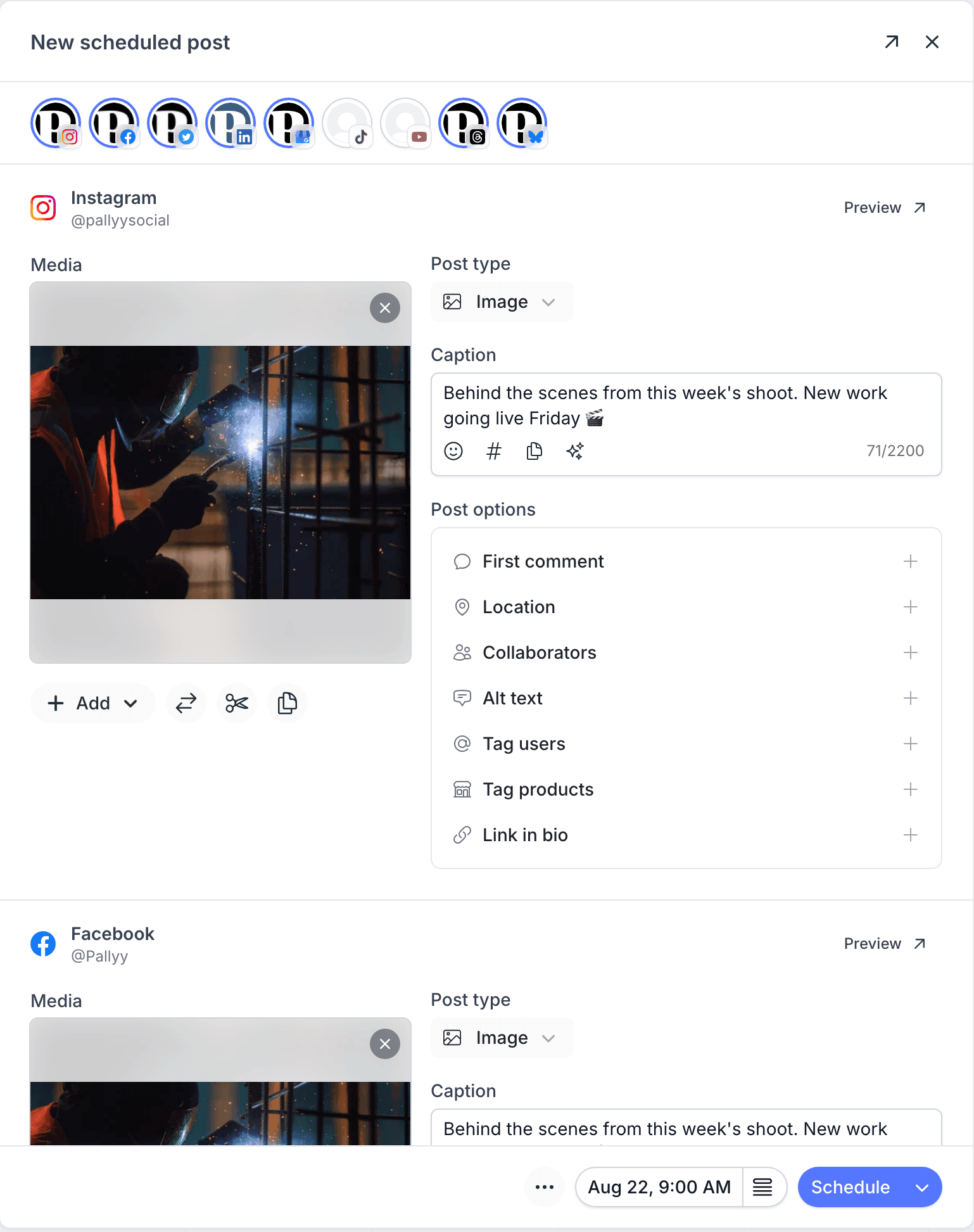
Both tools include AI caption generation; you can sample Pallyy's approach in the free Instagram caption generator before signing up for anything.
Who should pick which
Stay on SocialBee if: you work alone, your content library is deeply evergreen, and category recycling is the engine of your whole presence.
Switch to Pallyy if: teammates or clients need access without a $99 gate, you answer your audience daily, your reporting goes back further than a quarter, or your content calendar is fresher than it is evergreen.
The free plan plus SocialBee's 14 day trial make a side-by-side week the cheapest possible way to settle it. Solo creators comparing budget options should also see our Buffer comparison, whose free plan suits light single-channel posting, and the compare page holds the rest of the matchups.
Other SocialBee alternatives worth considering
If neither the specialist nor Pallyy fits, the shortlist continues:
- Buffer for simple scheduling with a genuine free plan; no recycling engine, maximum clarity. See the Buffer comparison.
- Metricool if you want a free plan with analytics depth attached. See the Metricool comparison.
- Later if your content is visual-first and Instagram-led. See the Later comparison.
- Vista Social for broad all-in-one coverage with automations, from $79 per month. See the Vista Social comparison.
- Hootsuite only for genuinely enterprise needs like listening and governance. See the Hootsuite comparison.
How to switch from SocialBee to Pallyy
An afternoon of setup, plus one strategic decision:
- Start a free trial and connect your profiles; teammates are included on Pro sets rather than gated at $99.
- Translate your best evergreen categories into a deliberate re-posting rhythm on the calendar, scheduling your proven posts across the coming weeks.
- Rebuild your posting schedule as queue times and load fresh content alongside the evergreen.
- Run both tools in parallel through one full posting cycle before cancelling.
The honest caveat is the strategic one: there is no automatic recycling engine to migrate to. If your queue genuinely runs itself in SocialBee and you want it to keep doing that, stay. The switch makes sense when the trade (manual repetition for an inbox, deeper reports and included teammates) matches how your account has grown.
Pallyy vs SocialBee FAQ
Does Pallyy recycle evergreen content like SocialBee?
Not automatically. SocialBee's category queues re-post evergreen content on autopilot and remain the best tool for that specific strategy. Pallyy supports deliberate re-scheduling through its calendar instead, alongside the inbox and reporting SocialBee lacks.
Which is cheaper for teams?
Pallyy, clearly. SocialBee only includes multiple users on its $99 Pro plan and charges $10 per extra user below it. Pallyy includes team access on Pro social sets at $25 per month, with approvals on agency plans.
Is SocialBee's analytics limitation a real problem?
It depends on your reporting horizon. Bootstrap retains three months of history, which is fine for checking recent posts and limiting for anyone comparing quarters or reporting year over year. Pallyy retains your analytics history on paid plans.
Why do people look for SocialBee alternatives?
Team access is the biggest trigger. Below the $99 Pro plan every extra user costs $10 a month, so the first VA or client turns a budget tool expensive. The missing inbox and the 90 day analytics window are the other two, and all three show up the moment an account stops being a solo project.
What is the best free SocialBee alternative?
SocialBee has no free plan, so any free plan is an upgrade on price. Pallyy's free tier covers a single user's core scheduling, Metricool's leans analytics, and Buffer's covers three channels of simple scheduling. None of them recycle content automatically.
Can I recreate my SocialBee category queues in Pallyy?
Manually, yes. You schedule your proven evergreen posts across the calendar on a deliberate rhythm rather than letting category queues rotate them automatically. It is more intentional and less hands-off, which is either the drawback or the point, depending on your strategy.