A social media MCP server connects your AI assistant to a social media tool, letting it use supported features such as drafting posts, scheduling content or reading analytics. MCP stands for Model Context Protocol.
Having a server doesn't necessarily mean a scheduler can publish posts from your assistant. Some only create drafts; others give you access to analytics without any publishing tools.
This comparison covers 12 providers, using their documentation to check capabilities, plan access and restrictions as of September 2026.
If you haven't connected one before, how to schedule social media posts with MCP walks through the setup.
At a glance
Network coverage below comes from the linked MCP guides and tool references. Entries marked “examples” are not complete lists. Check the posting support column too: access to a network may only cover drafts or analytics.
| Scheduler | Posting support | Networks documented for MCP | Sign-in | Plans |
|---|---|---|---|---|
| Pallyy | Drafts or scheduled posts | Instagram, Facebook, LinkedIn, X, TikTok, YouTube, Pinterest, Threads, Bluesky, Google Business Profile | OAuth or API key | Every plan, Free included |
| Agorapulse | Drafts only; schedule in Agorapulse | Facebook drafts documented; other actions vary by network | OAuth | Paid plans, not Free or Legacy. Beta |
| Buffer | Drafts or scheduled posts | Connected Buffer channels; LinkedIn and Threads shown as examples | OAuth or API key | Every plan, Free included |
| Hootsuite | Draft, schedule, publish | Publishing examples: Instagram, Facebook, LinkedIn | Sign in with workspace | Any account with the relevant product |
| Metricool | Create and publish | Any connected network, within plan limits | OAuth (API key for n8n) | Every plan, Free included |
| Planable | Drafts and approvals; no publishing | Draft examples: LinkedIn, Instagram, Facebook | OAuth | All paid plans |
| Postiz | Schedule and publish | 30+; includes Instagram, LinkedIn, X, TikTok, YouTube and Reddit | API key in the URL | No extra MCP fee; see account pricing |
| Publer | Schedule, drafts | Examples: Instagram and Facebook drafts; LinkedIn scheduling | API key | Enterprise, top ambassadors. Beta |
| SocialPilot | Schedule and publish, drafts | MCP-specific network list not stated on its overview page | Sign in or API key | Not stated on its MCP pages |
| Sprout Social | Read-only, TikTok analytics | TikTok analytics only | OAuth | Not stated. ChatGPT only |
| Typefully | Create, schedule, manage drafts | X, LinkedIn, Threads, Bluesky, Mastodon | OAuth | Not stated |
| Vista Social | Schedule and publish | Scheduling examples: Instagram, LinkedIn, TikTok | Connect link from settings | Advanced and higher. Beta |
Pallyy MCP server
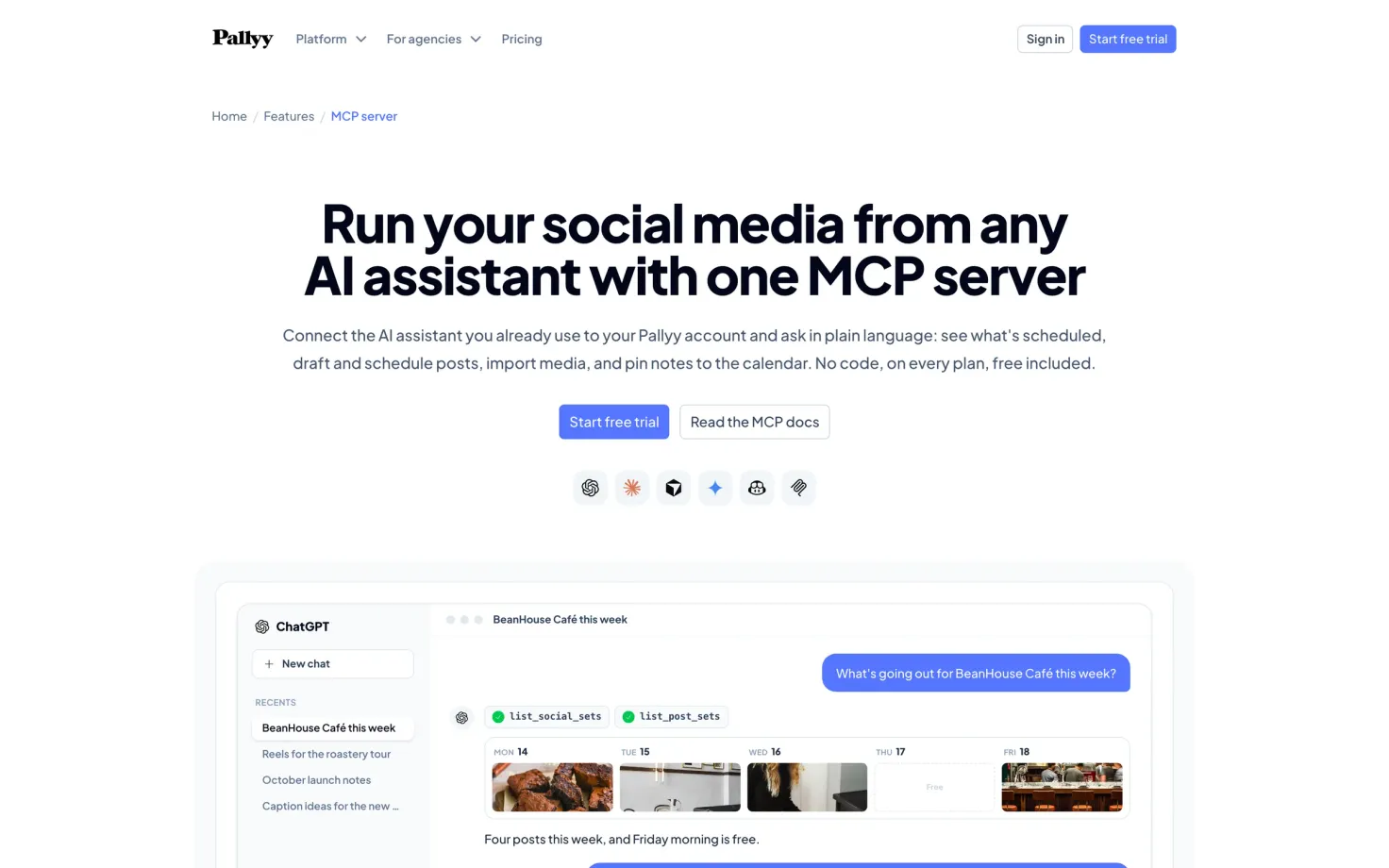
Pallyy lets you create drafts, schedule posts, import media and add calendar notes. You can give the assistant access to specific social sets, so it only works with the clients you choose. Publishing is a separate permission from creating posts.
It's available on every plan, including Free. Connect through Claude's connector directory or the ChatGPT plugin, or use https://app.pallyy.com/mcp with a compatible client. OAuth and API key authentication are supported; the Pallyy MCP page covers setup.
Its post tools use the same network support as the post sets API. It doesn't cover analytics or the inbox.
Agorapulse MCP server
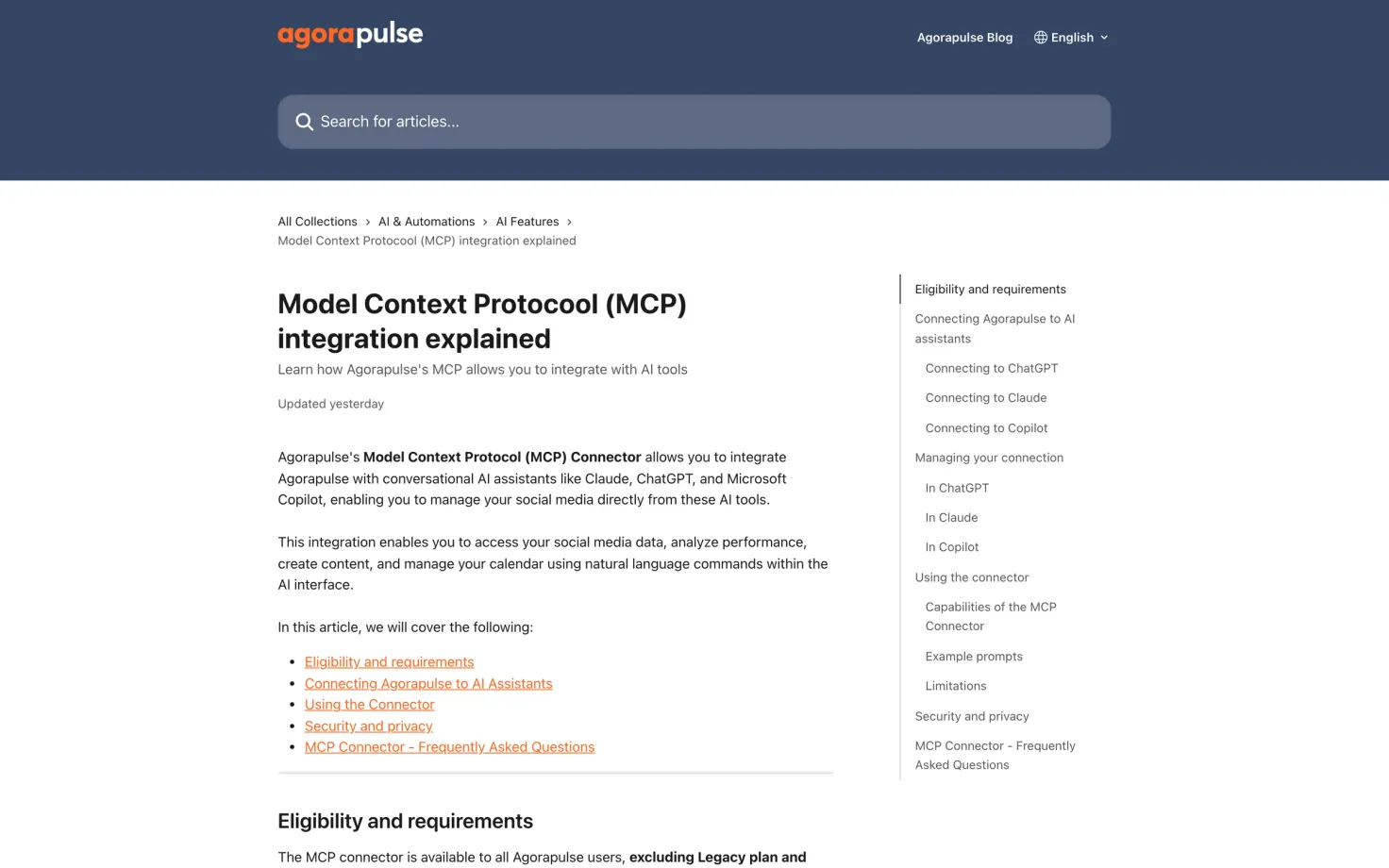
Agorapulse can create drafts, but you still need to open Agorapulse to schedule or publish them. Its connector also gives you access to performance data, calendar notes, inbox conversations and listening results.
The beta works with Claude, ChatGPT and Microsoft Copilot Studio, using OAuth at https://api.openmcp.agorapulse.com/mcp. Free and Legacy plans are excluded, and pricing may change after beta. The setup guide lists the required AI subscriptions and account permissions.
Buffer MCP server
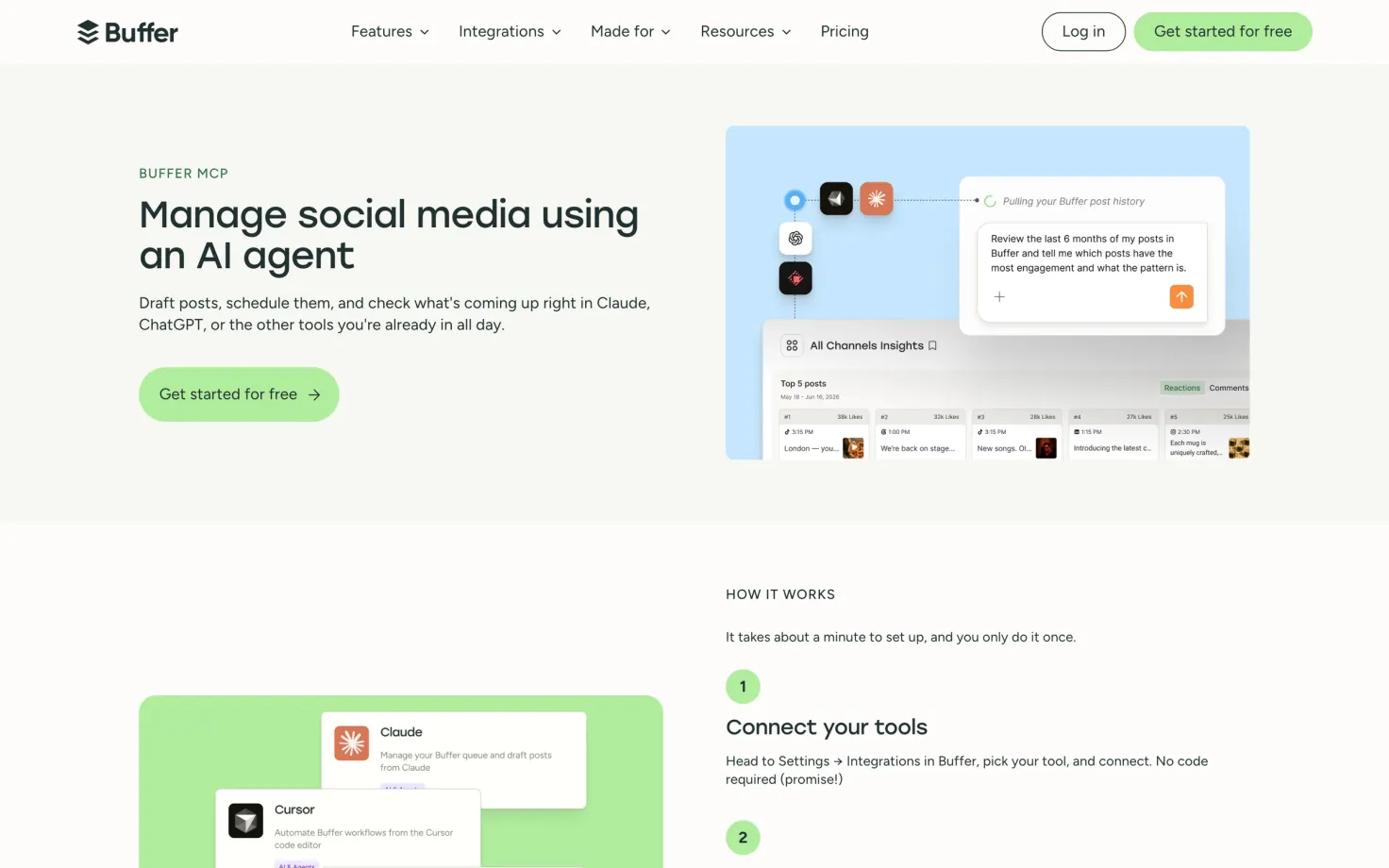
Buffer includes MCP access on every plan, including Free. The assistant can create and schedule posts, manage your queue, save ideas and pull post analytics.
If you want to review the content first, ask it to save a draft. A scheduled post is already set to go out.
The server is https://mcp.buffer.com/mcp, with OAuth or API key authentication. Buffer's MCP page has instructions for Claude, ChatGPT, Cursor and other clients.
Hootsuite MCP servers
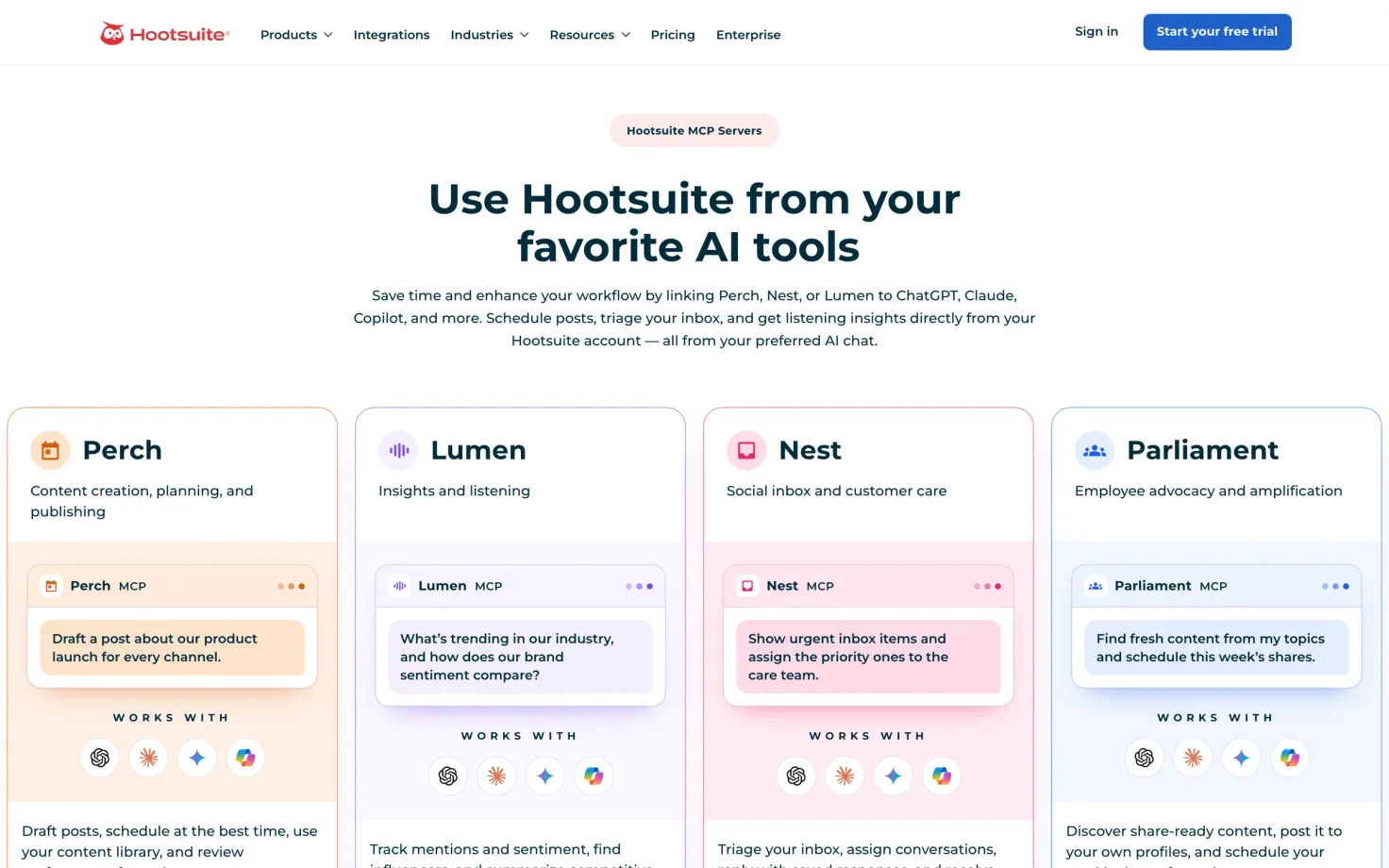
Hootsuite splits its MCP tools across four servers. Perch handles content and publishing, Nest the inbox, Lumen listening and insights, and Parliament employee advocacy.
For scheduling, start with Perch. It can draft and schedule posts, publish across networks, upload media and review performance. You need access to the relevant Hootsuite product for each server; connecting Lumen won't add listening to a plan that doesn't include it.
The Hootsuite MCP page lists the server addresses and connection options for ChatGPT, Claude, Copilot and Gemini.
Metricool MCP server
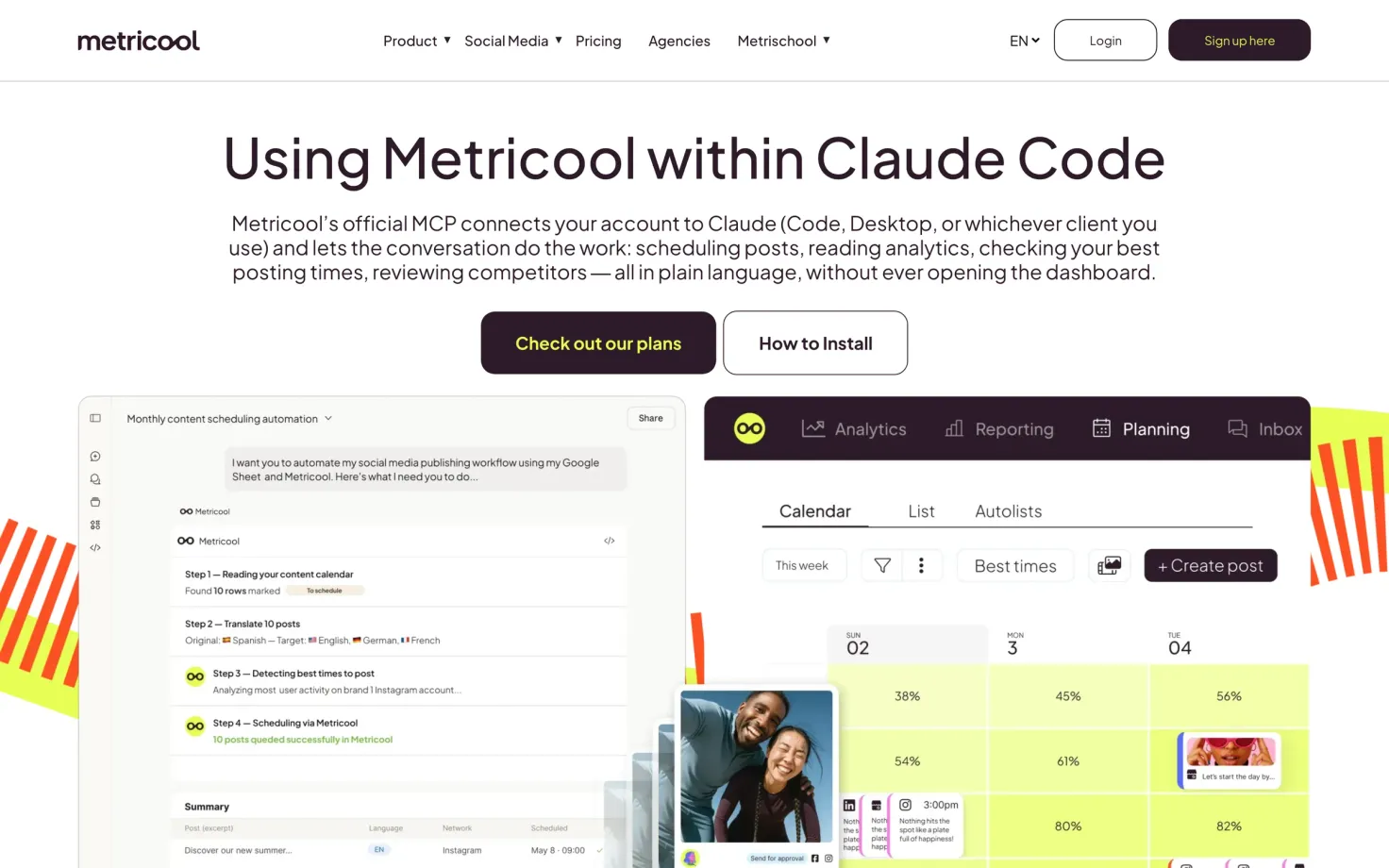
Metricool covers publishing, analytics and inbox work through its MCP server. You can manage brands, create posts and pull reports from the same connection. Access is included on every plan, including Free, though your plan's limits still apply.
The main restriction to consider is permissions: Metricool says the connection grants full access, similar to signing in to your account.
Use https://ai.metricool.com/mcp with OAuth for most clients. The connection guide covers chat apps, coding agents and automation tools, including the API key setup for n8n.
Planable MCP server
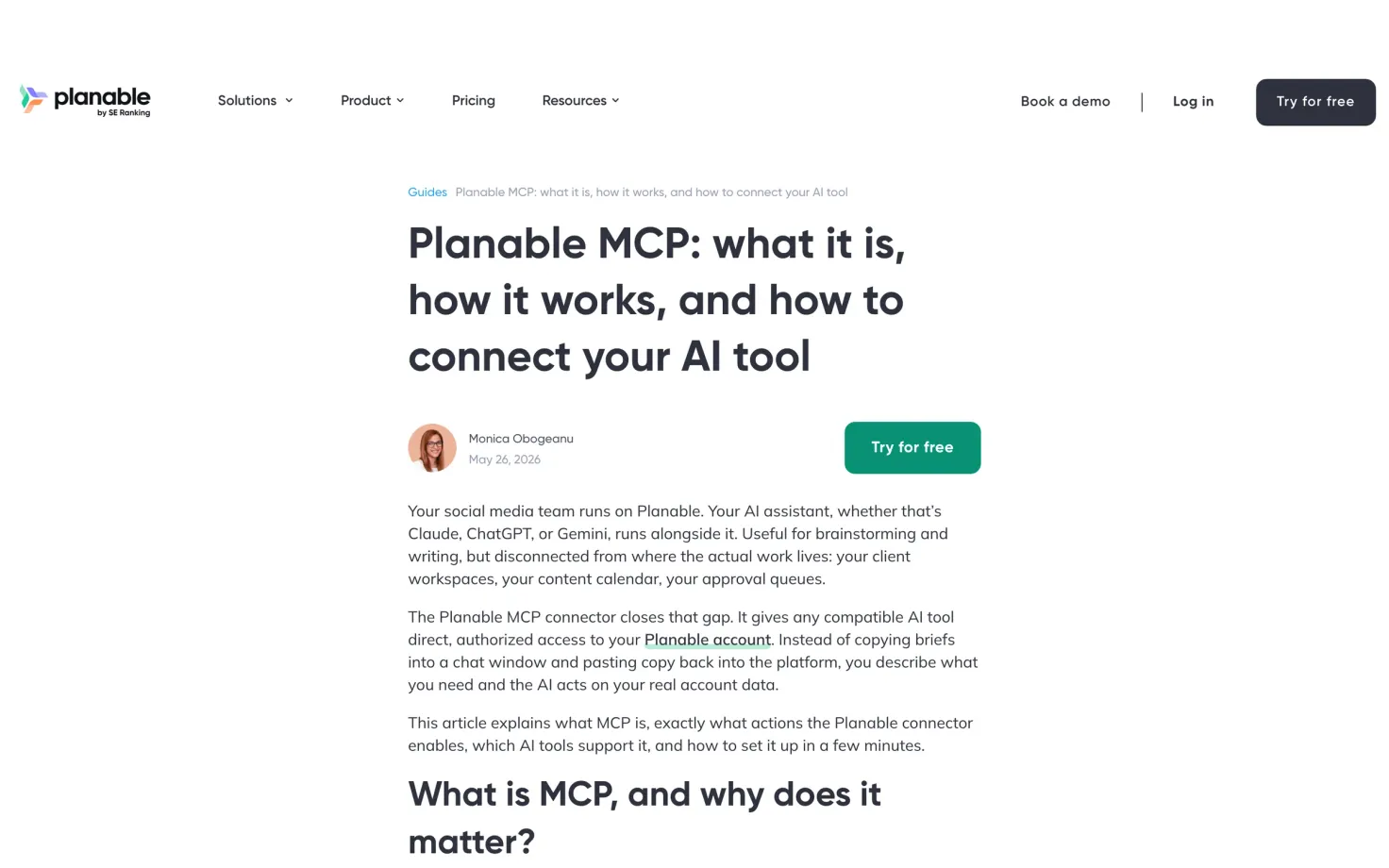
Planable's MCP connector doesn't publish posts. Everything the assistant creates starts as a draft and goes through your usual approval and scheduling steps.
It can read comments and team notes, upload media, pull analytics, and approve or reject posts if your role allows it. That makes the approval permissions worth checking even though publishing isn't available.
The connector is included on all paid plans and uses OAuth. Planable's guide covers the supported clients and connection limits.
Postiz MCP server
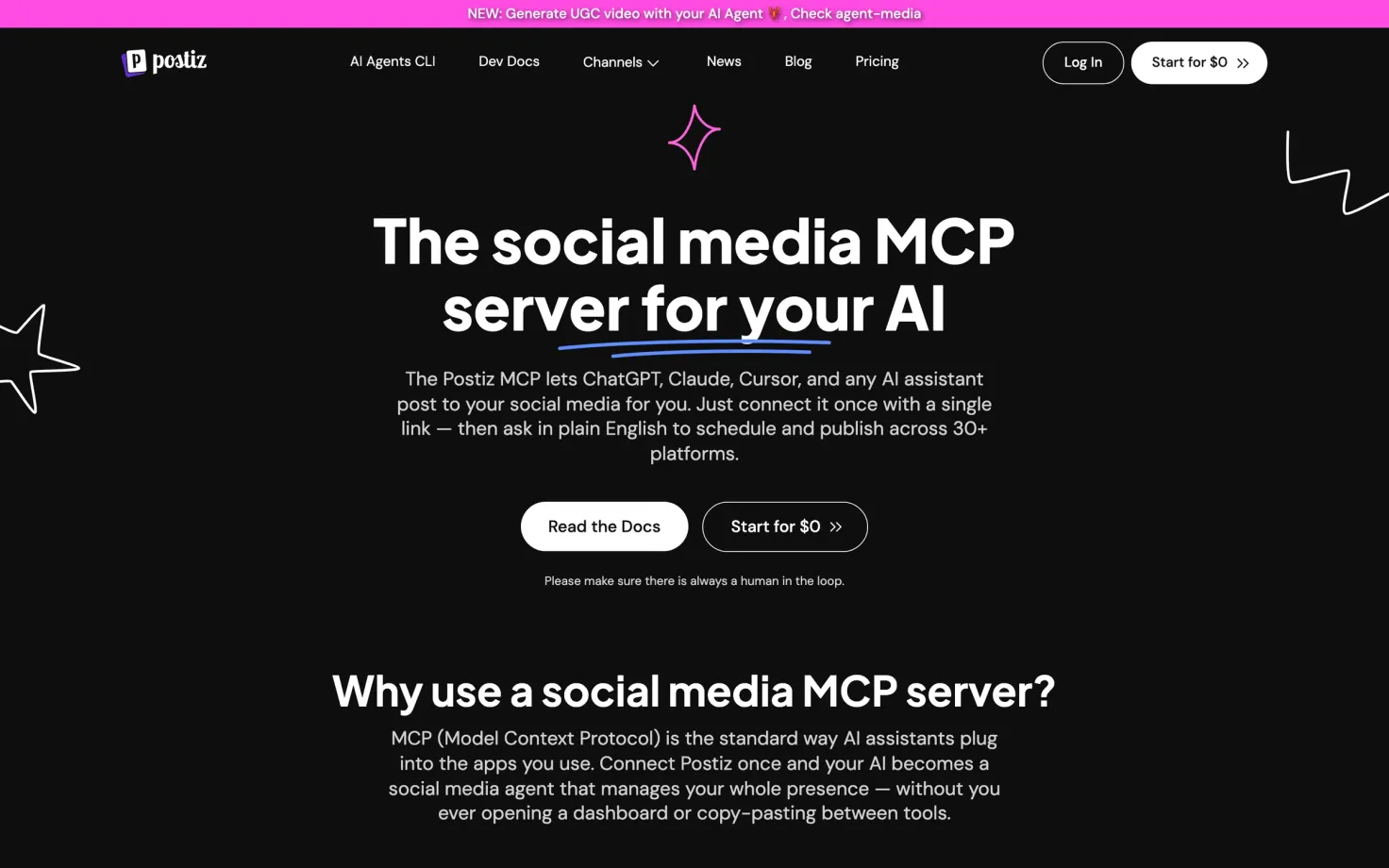
Postiz supports scheduling and publishing across 30+ platforms, including Reddit, Mastodon, Discord and Telegram alongside the usual social networks.
You build a personal server link using the API key from Settings > Developers > Public API: https://api.postiz.com/mcp/YOUR_API_KEY. The key is in the URL, so treat the link like a password.
The MCP page says there is no extra charge for the connection. Its “start for $0” offer doesn't establish an ongoing free hosted plan; check Postiz's account pricing before choosing it on that basis.
Publer MCP server
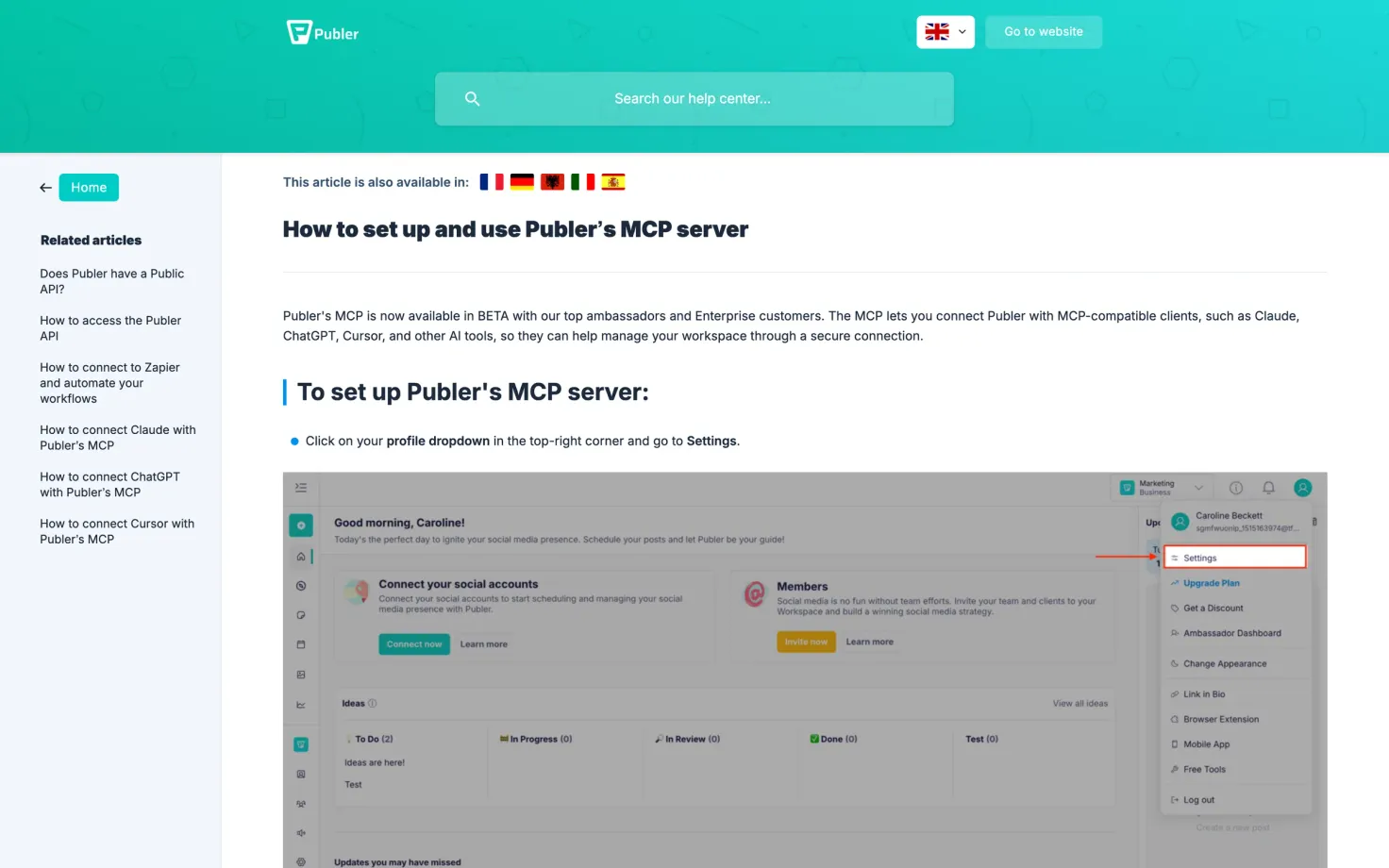
Publer's MCP beta is currently limited to Enterprise customers and its top ambassadors. If you have access, the assistant can review drafts and schedule posts across connected accounts with the Posts scope enabled.
You choose the scopes when creating an API key under Settings > AI & Automations > MCP. Publer then generates a server URL for your AI app. Keep that URL private: it carries the key. The setup article explains the available permissions.
SocialPilot MCP server
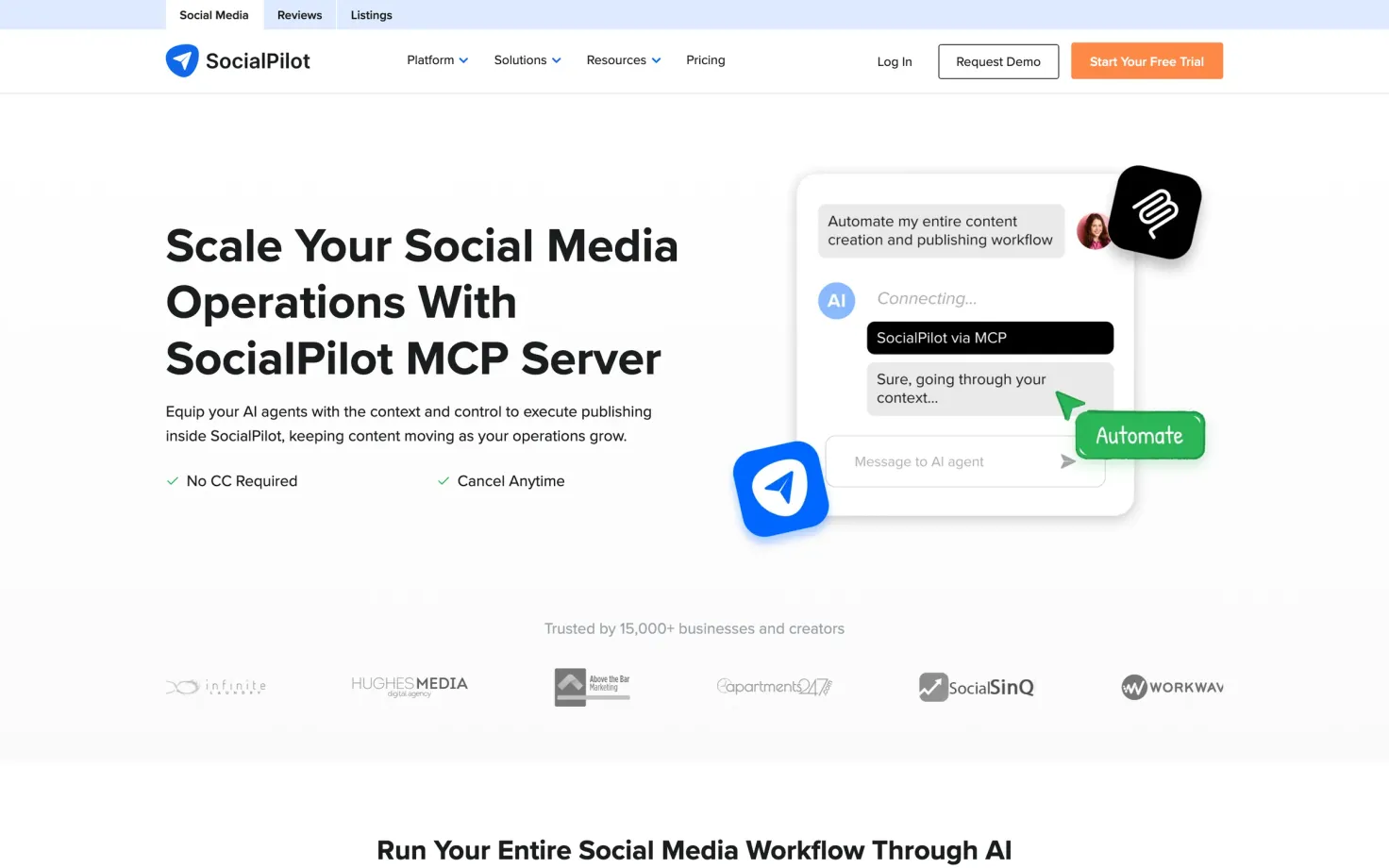
SocialPilot can create drafts, schedule and publish posts, and find undelivered or skipped posts. Its MCP overview page does not give a separate network list, so confirm support for the accounts you need.
The server is https://mcp.socialpilot.co/mcp, with account sign-in or an API key for custom agents. Its MCP pages don't state which plans include access, so confirm that before signing up specifically for this feature.
Sprout Social MCP server
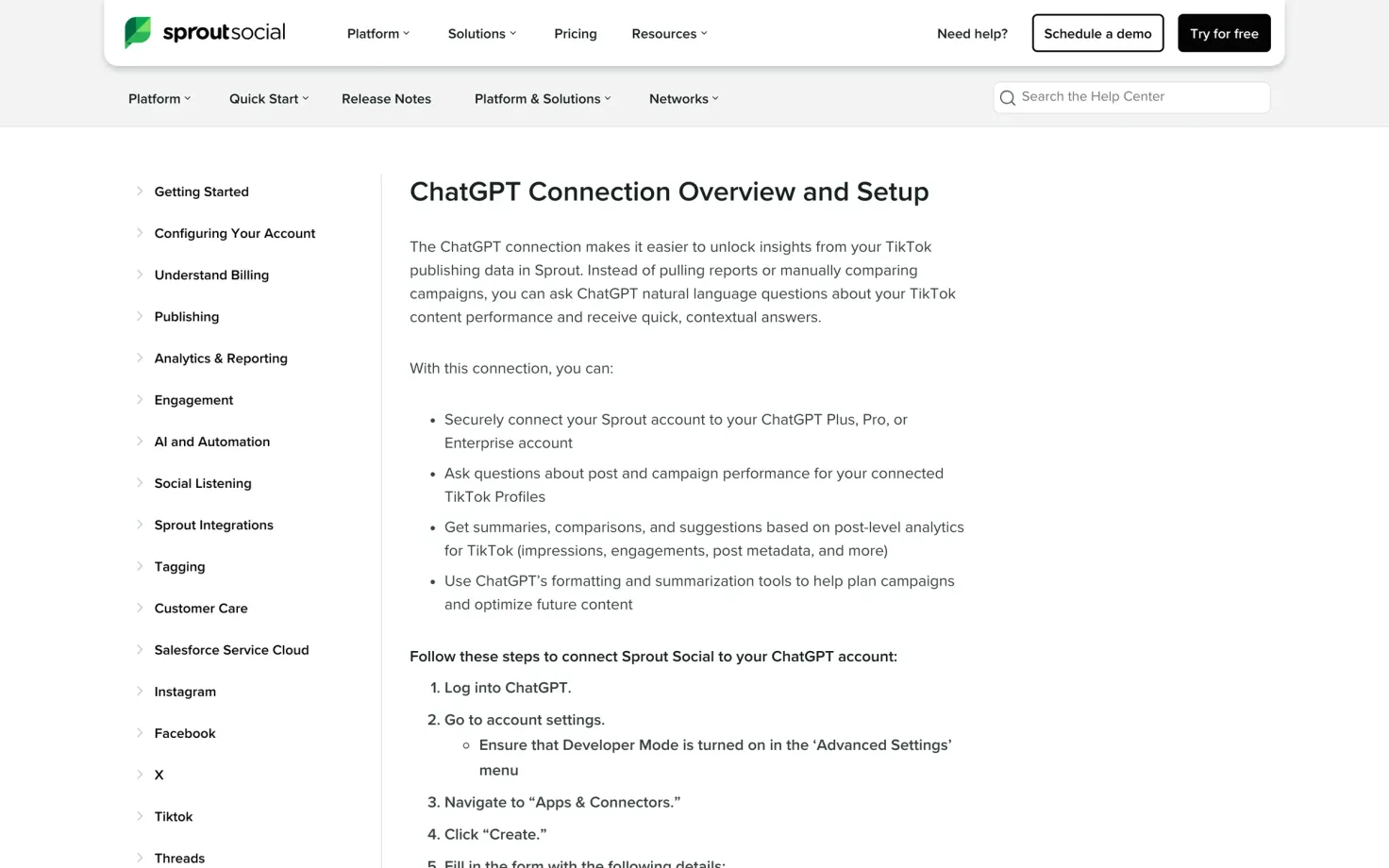
Sprout's documented connection lets you ask about post and campaign performance for connected TikTok profiles. No drafting, no scheduling.
It uses OAuth at https://mcp.sproutsocial.com/mcp. Sprout documents it for ChatGPT and says it hasn't built or tested support for other clients. Check its connection guide for eligibility and setup.
Typefully MCP server
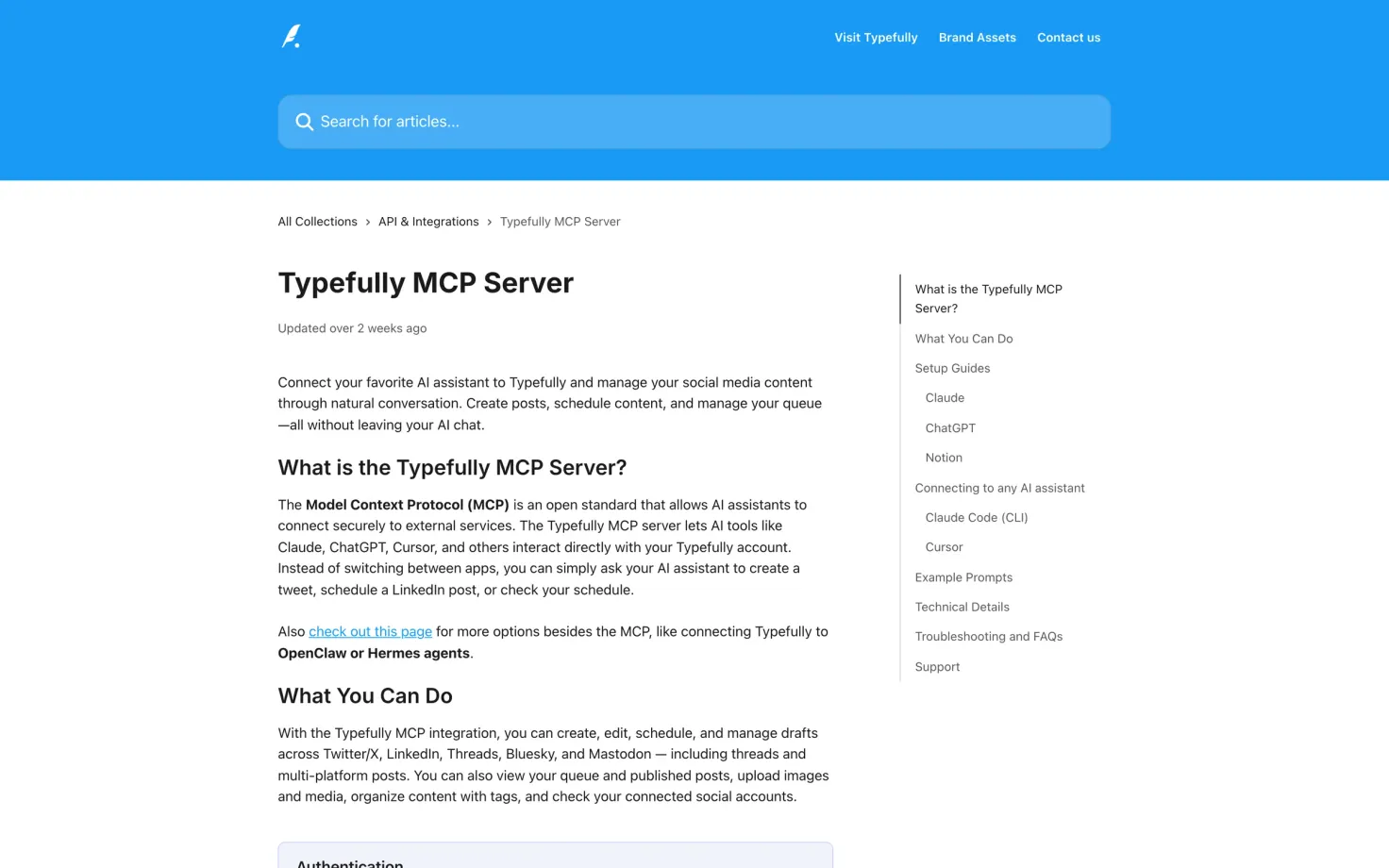
Typefully supports X, LinkedIn, Threads, Bluesky and Mastodon. If you need Instagram, TikTok or Facebook, it won't cover those accounts.
The assistant can create and edit drafts, schedule threads and posts across platforms, upload media and view your queue. Connect at https://mcp.typefully.com/mcp using OAuth, with no API key needed.
The Typefully MCP article covers supported clients. It also recommends Typefully's Agent Skills for coding agents.
Vista Social MCP server
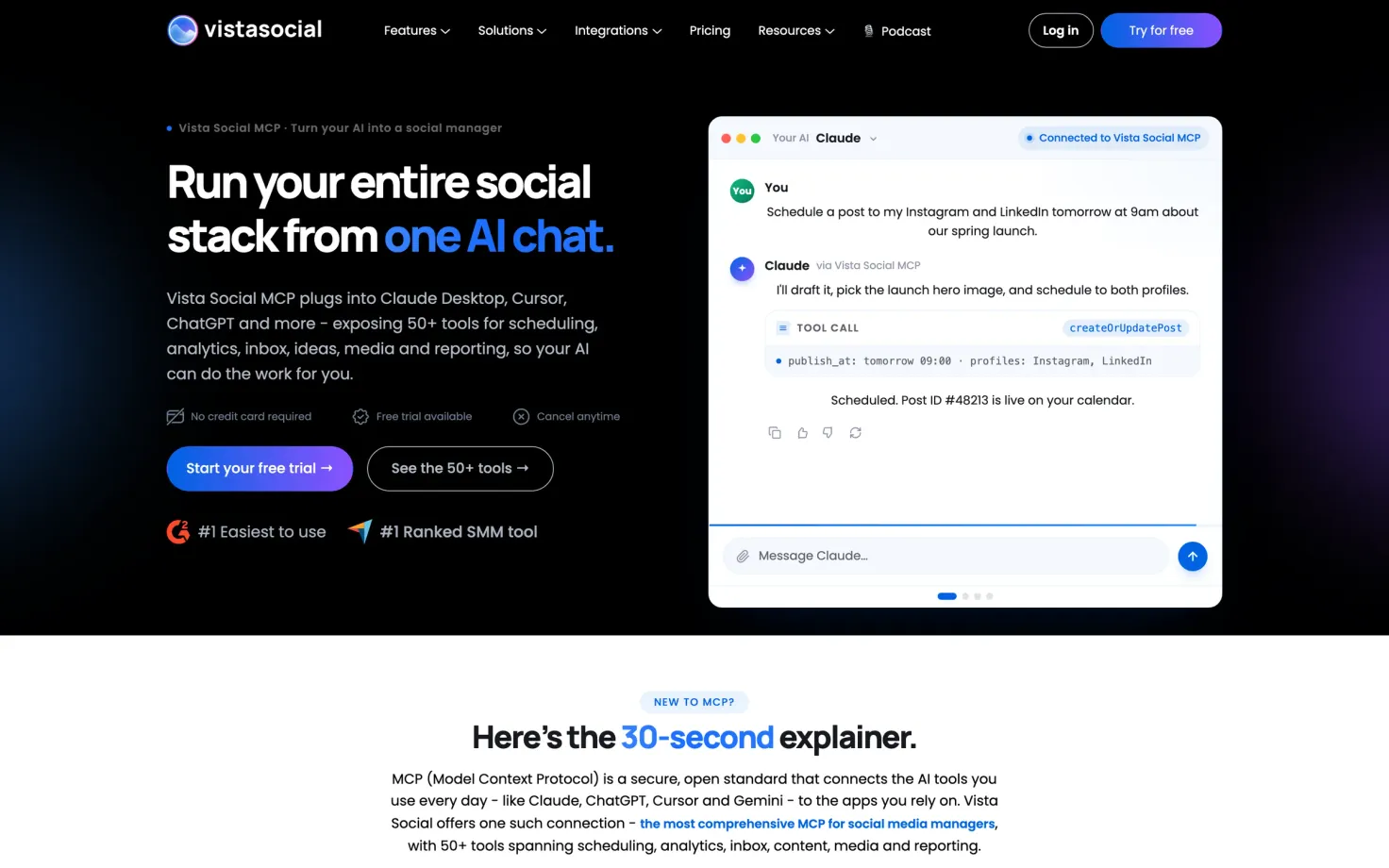
Vista Social includes scheduling, analytics, inbox work and reporting among its 50+ MCP tools. Access requires the Advanced plan or higher, and the support docs describe it as a beta.
You copy a connect link from Settings > Account Settings > Integrations. The assistant inherits your role permissions, and revoking the token in settings disconnects every client using it. The Vista Social MCP page has the connection details.
What about Later, SocialBee and Sendible?
No official MCP documentation was found for Later, SocialBee or Sendible in the September 2026 review. If you use one of them, check its current integrations before switching. For a third-party connector, check which actions it supports and who maintains it.
What about Instagram or LinkedIn MCP servers?
A connector described as an “Instagram MCP server” or “LinkedIn MCP server” may focus on publishing, analytics or reading profile data. Check which actions it supports and who runs it. A scheduler's MCP server connects to accounts you've already added to that scheduler, and may cover several networks in one connection.
For posting, check your account type and content format as well as the network name. Support for a LinkedIn text post doesn't tell you whether a tool can also schedule an Instagram Reel.
How to pick
Start with the scheduler you already use. If its MCP server handles the task you need, there's little reason to move your accounts just to try another connector.
If you're choosing a new scheduler, try one real task before committing: create a draft for an account you manage, check it in the calendar, then schedule it. You'll learn more from that than from the number of tools a server advertises. For client work, also check that you can limit which accounts the assistant can access.