The right Buffer alternative depends on what you need to change. You might want a visual content calendar, more detailed reports, a way to recycle evergreen posts, or better tools for managing client feedback and customer messages.
This guide compares ten options by their main strengths, pricing and limitations. Some suit a solo creator with a handful of profiles; others make sense for agencies or larger teams. Buffer can still be a good fit if its scheduling and comment management cover your day-to-day work.
This guide is published by Pallyy, which appears first in the list, and I've written its section as the founder, so weigh that accordingly. The order isn't a universal ranking: each tool serves a different workflow. This is a comparison of published pricing and product documentation, with calculated cost examples, rather than a hands-on benchmark.
Buffer alternatives at a glance
Prices are in USD, before applicable taxes, checked in September 2026. Figures use monthly billing unless explicitly marked annual. These are entry prices, so check the plan needed for your users, profiles and required features. Each pricing link goes to the provider's own details.
| Tool | Best suited to | Entry paid plan | Main limitation to check |
|---|---|---|---|
| Buffer (baseline) | Queue-based publishing and comment management | Essentials: $6/channel/month | Approvals and additional users require Team; no DM inbox |
| Pallyy | Visual planning and managing brands in social sets | Pro: $25/month, 1 set and 1 user | Extra team users and custom reports require Agency or Scale |
| Metricool | Organic and paid performance reporting | Starter: $25/month, up to 5 brands | Approvals require Advanced; X is an add-on |
| SocialBee | Category-based evergreen publishing | Bootstrap: $29/month, 5 profiles | 1 user and 3 months of analytics history on Bootstrap |
| Publer | Bulk scheduling and publishing automation | Professional: from $5/month, 1 account | Accounts and extra members increase the price |
| Later | Instagram planning and link-in-bio workflows | Starter: $18.75/month, billed annually, 1 social set | 30 scheduled posts per profile per month |
| Vista Social | Engagement, reviews and DM automation | Professional: $99/month, 15 profiles and 2 users | Broader social listening costs extra |
| Agorapulse | Community management and team inboxes | Standard: $99/user/month, 10 profiles | Per-user costs and plan-specific workflow features |
| Sendible | Client workspaces and agency collaboration | Core: $35/month, 1 workspace and 6 profiles | Approvals, branded reports and white label need higher tiers |
| Hootsuite | Coordinating social work across teams | Standard: from $99/user/month, billed annually, 10 accounts | Approvals and enterprise controls require higher plans |
| Sprout Social | Reporting and social customer care | Essentials: $99/seat/month, 5 profiles | The broader inbox suite starts on Standard; listening is an add-on |
When is it worth switching from Buffer?
Buffer's free plan supports three channels with ten scheduled posts per channel at a time. Those slots refill as posts publish, so this isn't a ten-post monthly limit. Paid Essentials starts at $6 per channel per month, while Team starts at $12 and adds approvals and unlimited users. Annual billing is cheaper, and volume discounts apply above ten channels. See Buffer's pricing for your channel count.
Buffer also has a Community inbox for managing comments. It doesn't cover DMs, but describing Buffer as having no engagement tools would overlook a useful part of the product.
A switch is worth exploring when there's a specific gap in your workflow:
- Publishing: you need recurring content categories or a different visual planning workflow. Buffer already supports CSV imports and Instagram grid previews.
- Reporting: you need ad performance, competitor analysis or particular client report formats.
- Engagement: you need to handle DMs, reviews or message assignments alongside comments.
- Collaboration: you need separate client workspaces, approvals or different access permissions.
- Cost: another plan covers your actual mix of profiles and users for less.
Compare the complete setup. Per-brand plans can suit a brand on many networks, while per-channel plans can be economical for a few profiles. Buffer Team's unlimited users also matter when comparing it with tools that charge for each seat.
What does switching cost for your setup?
These three examples compare paid plans in USD per month, all billed monthly, before tax. Rates were checked on 19 October 2026 using Buffer's volume pricing, Pallyy's plans and Metricool's pricing.
| Setup | Buffer | Pallyy | Metricool |
|---|---|---|---|
| One creator, 3 profiles, 1 user, paid scheduling | Essentials: $18 | Pro: $25 | Starter: $25 |
| One brand, 7 profiles, 1 user, paid scheduling | Essentials: $42 | Pro: $25 | Starter: $25 |
| Five clients, 6 profiles each, 3 team users and approvals | Team: $195 | Agency: $99 | Advanced: $67 |
The creator uses Instagram, Facebook and LinkedIn. The seven-profile brand adds TikTok, Pinterest, YouTube Shorts and Google Business Profile. Each agency client uses the same first six networks, without Google Business Profile. Each brand has one account per network; none of these examples includes X or paid listening add-ons. Publishing options still vary by account type and format.
Buffer's agency total includes its volume discounts: 10 × $12 + 15 × $4 + 5 × $3 = $195. Pallyy Agency includes 10 social sets and 3 users; Metricool Advanced covers up to 15 brands and includes team access and approvals. These plans meet the stated requirements, but their inboxes, reports and approval workflows differ.
Buffer is cheaper in the paid creator example, and its free plan may be enough if a ten-post queue per channel suits you. Metricool has the lowest bill in the agency example. Pallyy is worth evaluating for its shared calendar and no-login client approval links. Price narrows the shortlist; test the workflow before moving.
1. Pallyy
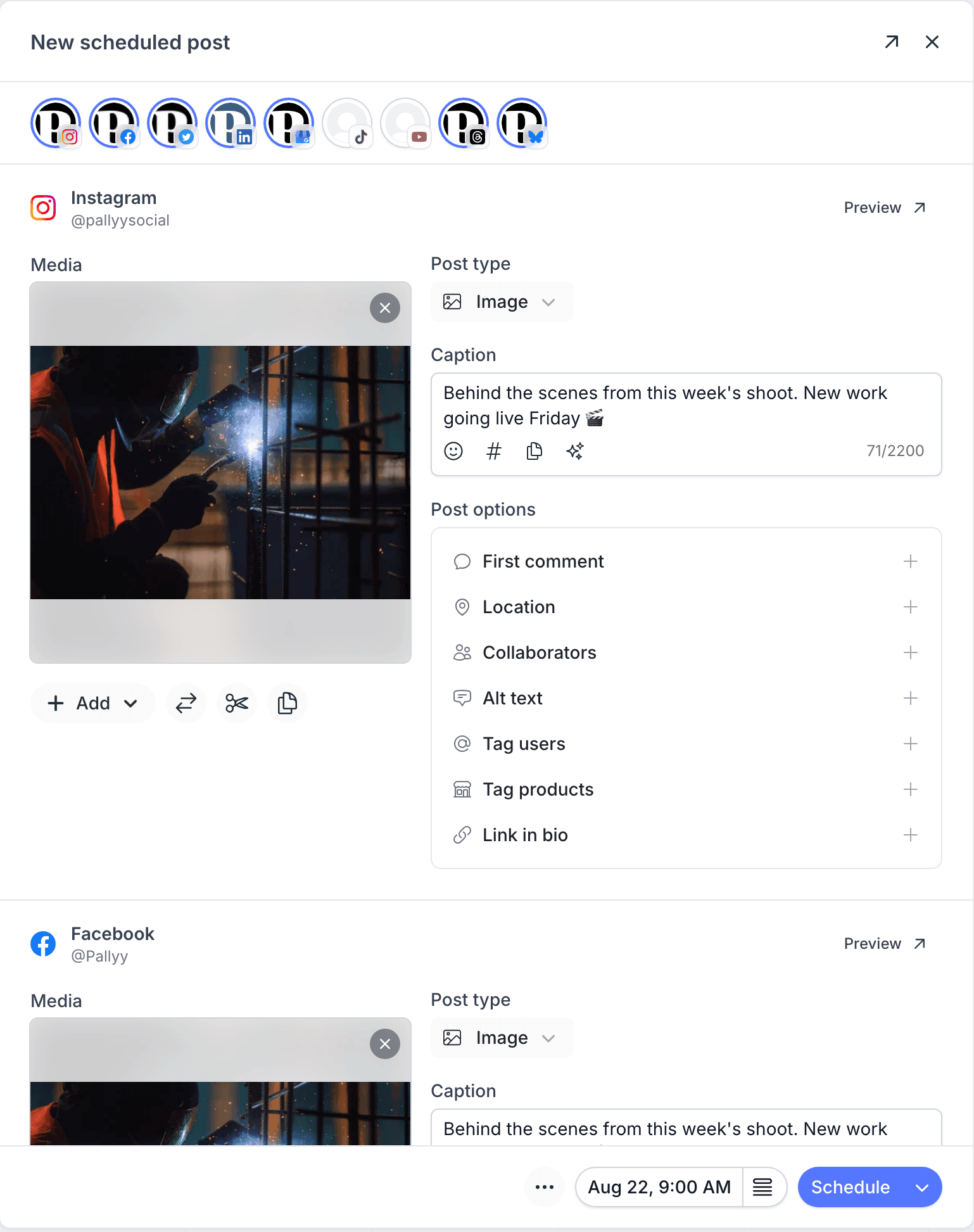
Pallyy is our own tool, so read this section knowing that. It combines a visual calendar and Instagram grid preview with scheduling, analytics and an inbox for supported comments, messages and reviews. Accounts are grouped into social sets, one per brand, so a brand that posts to seven networks is one set with one price rather than seven billable channels.
Pro costs $25 a month for one social set and one user, with unlimited scheduled posts, approvals and inbox access. Extra sets cost $10 a month each. Agency costs $99 a month and includes ten sets, three users and custom reports. The free plan covers one set and 15 image posts a month, and it never asks for a card.
The main constraint is team access: Pro doesn't support extra users, so a team needs Agency or Scale. A social set holds up to 11 account types, with one account of each type. A second Instagram account needs another set. Inbox and analytics coverage varies by network, and X currently supports neither. There's no social listening and no category-based evergreen recycling.
Switching from Buffer: check Pallyy's supported integrations first. One Instagram, Facebook Page, TikTok and LinkedIn profile can share a set; four Instagram accounts require four sets. Buffer networks such as Mastodon and Substack are not supported by Pallyy. Reconnect compatible profiles and rebuild upcoming posts, checking both queues to avoid duplicate publishing before cancelling Buffer. The Pallyy vs Buffer comparison works through the per-channel math for creators, brands and agencies.
Best for: visual planning and scheduling across a brand's social profiles.
Watch out for: team and custom reporting requirements that move you beyond Pro. The Pallyy pricing breakdown lists each plan's limits.
2. Metricool
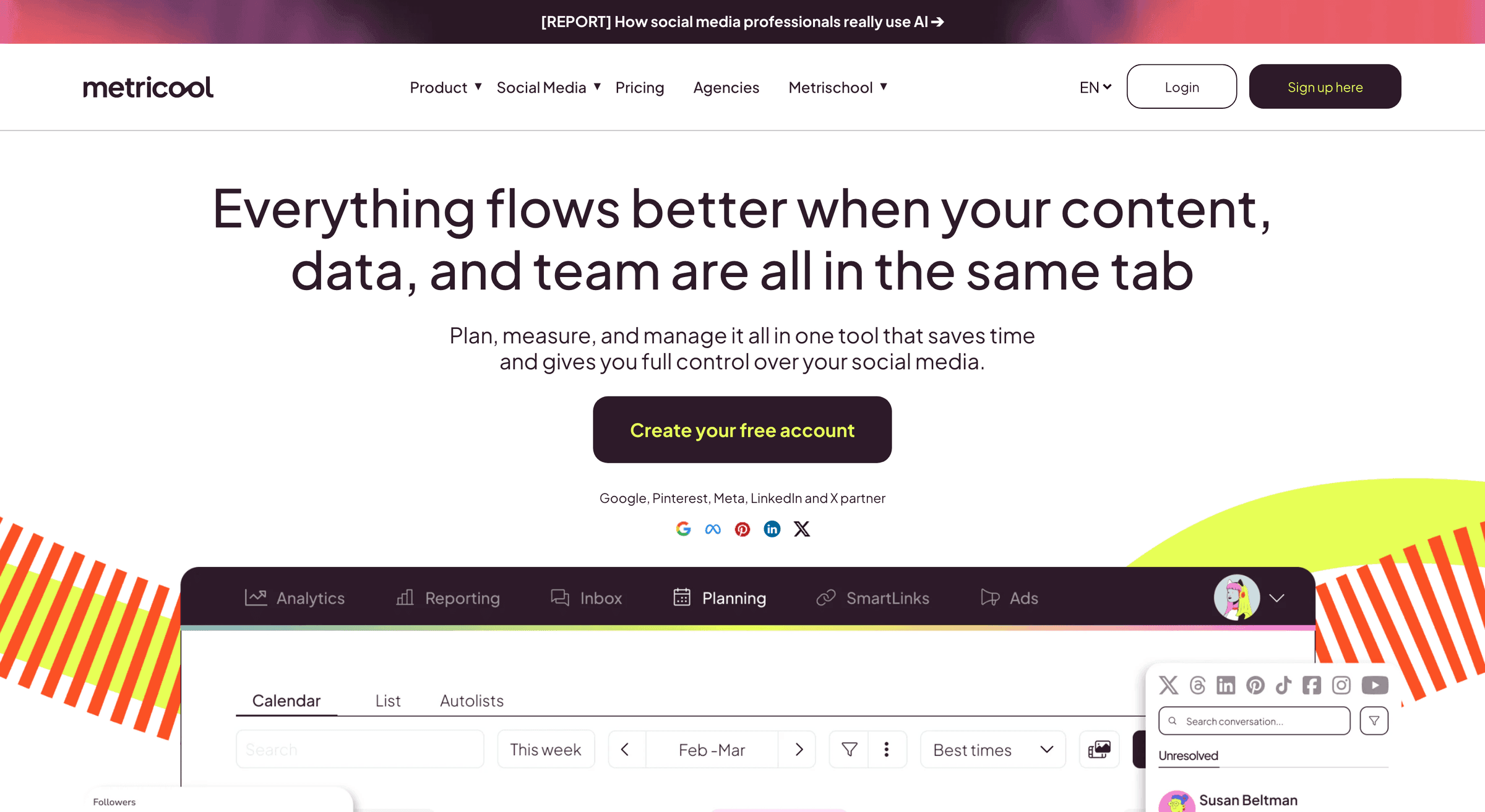
Metricool brings scheduling and performance analysis together, including organic content, competitor tracking and Meta, Google and TikTok ads. Its paid-ad and competitor reporting are reasons to consider it alongside Buffer's channel and post analytics.
Starter costs $25 a month for up to five brands. The free plan covers one brand and 20 scheduled posts a month, but excludes LinkedIn and X. Team access and post approvals require Advanced, starting at $67 a month. X connections carry an additional charge on eligible paid plans, so an agency with several client X profiles pays for each one before scheduling anything.
Metricool's inbox supports reading and replying to messages, comments and reviews on supported networks. It cannot hide or delete comments, and it does not send notifications for incoming messages. Check those limits if replies are central to your work.
Switching from Buffer: Buffer channels regroup into Metricool brands, so a Buffer bill that climbed with each network often falls on Starter. Price the X surcharge and the Advanced step for approvals before assuming the saving, and note that listed prices exclude VAT where it applies. Our Pallyy vs Metricool comparison covers the fine print.
Best for: marketers who want to review paid and organic performance alongside their calendar.
Watch out for: the jump to Advanced for collaboration and the cost of add-ons. Check Metricool's plan comparison against your reporting requirements.
3. SocialBee

SocialBee organizes posts into categories that feed a recurring schedule. You can give educational posts, promotions and evergreen articles their own slots, then recycle suitable content without rebuilding the queue each week. Buffer's queue is a single list that empties as it publishes; SocialBee's is a set of categories that refills.
Bootstrap costs $29 a month for five profiles, one user and ten content categories. It includes three months of analytics history. Accelerate at $49 expands the limits and adds approvals; Pro at $99 adds more workspaces and users, and extra users are also sold as a $10 add-on. SocialBee also offers tools for managing comments, mentions and DMs on supported networks.
The single-user plans are the catch for teams. The first VA, teammate or client with a login means Pro or an add-on, and Bootstrap's 90 days of analytics rule out quarter-over-quarter comparisons without spreadsheets.
Switching from Buffer: the move is as much a strategy change as a tool change. Buffer's queue maps loosely onto one SocialBee category, so plan your categories (promotions, tips, evergreen articles) before importing anything, and allow time to organise existing posts into those categories. Our Pallyy vs SocialBee comparison weighs recycling against inbox and team features.
Best for: businesses with a library of content they regularly reuse.
Watch out for: category and workspace limits, plus the plan needed for collaboration. SocialBee's pricing separates these allowances by tier.
4. Publer
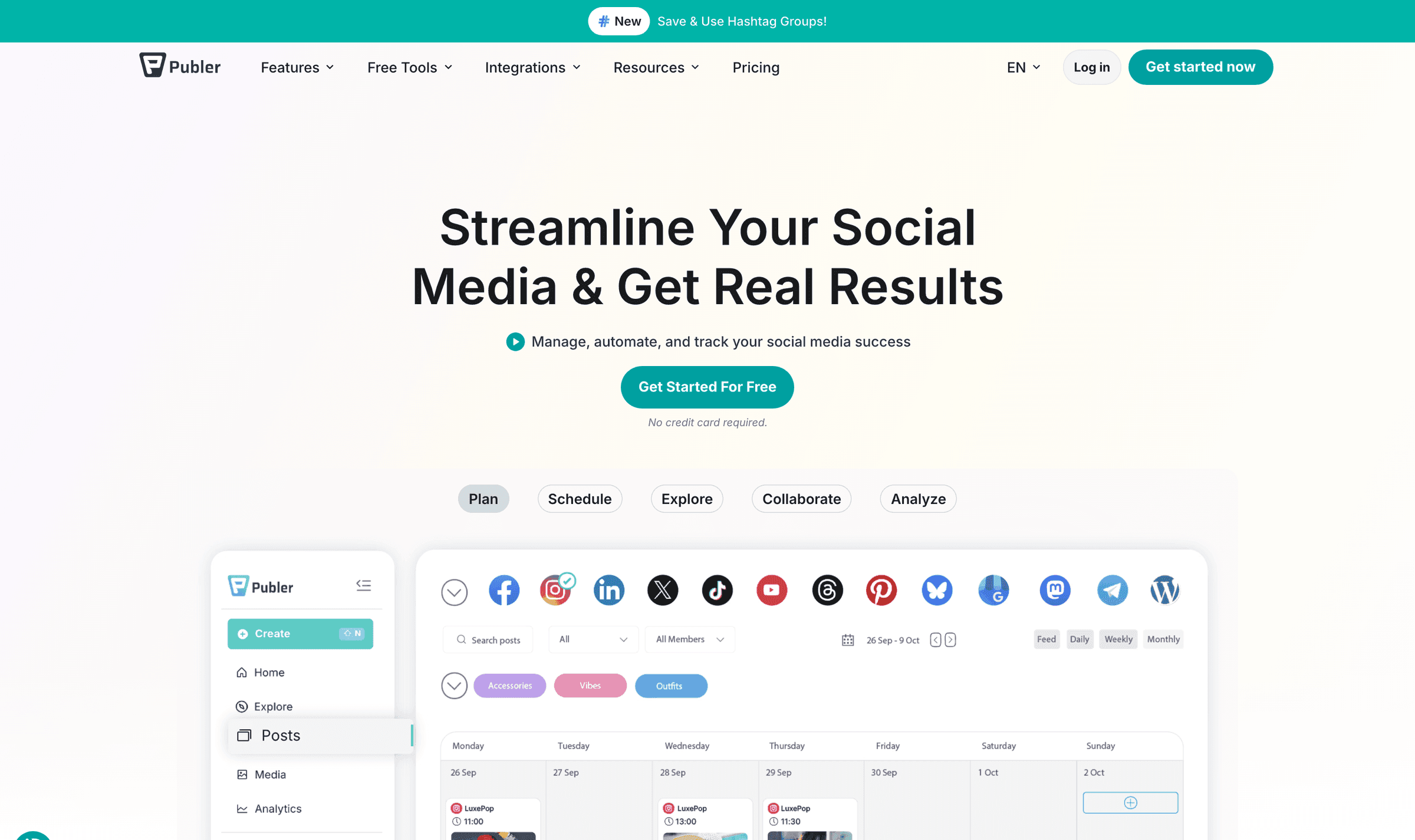
Publer is a publishing-focused option with bulk scheduling, RSS automation and tools for reusing posts. It suits someone who wants more ways to fill and manage a queue without moving straight to an enterprise platform, and it's the closest in spirit to Buffer on this list: a scheduler first, with everything else secondary.
Professional starts at $5 a month for one social account. The price changes with your account and team-member counts, so the starting figure isn't a multi-brand package. Business adds analytics, competitor analysis and further recycling features. A free plan supports three accounts, excluding X, with ten scheduled posts per account at a time, which is close to Buffer's free tier with a different network list.
Both tools support bulk scheduling: Buffer accepts CSV uploads on every plan, including Free. Compare Publer's RSS automation and Business recycling features if you want an ongoing source of posts, rather than switching just to import a spreadsheet.
Switching from Buffer: the per-account model will feel familiar, so model your exact account count on both pricing pages before moving. The saving at one or two accounts can vanish once teammates and Business features are added. Bulk scheduling is the quickest way to rebuild a long Buffer queue.
Best for: bulk publishing and automating a regular posting schedule.
Watch out for: the total after adding profiles, teammates and Business features. Use Publer's pricing calculator for your setup.
5. Later

Later is worth considering when visual planning and Instagram are central to your work. Its planner and Link in Bio tools connect the process of arranging content with directing visitors to products or other pages. Buffer also has an Instagram grid preview for professional accounts. Compare how each planner handles your media and feed layout rather than treating a grid preview alone as a reason to switch.
Starter is $18.75 a month when billed annually, or $25 monthly, with one user and one social set of up to eight profiles. It allows 30 scheduled posts per profile per month. Growth raises that limit to 180; Scale offers unlimited posts. Starter doesn't allow extra social sets or users as add-ons, and on higher plans extra sets and extra users are each priced separately.
That post cap is the detail to check. A brand posting daily to Instagram uses Starter's allowance in a month with nothing left for a stories-heavy campaign, and the fix is Growth at $50.
Switching from Buffer: Starter fits one user with one profile on each supported network, within its post cap. Later lists Instagram, Facebook, Threads, Pinterest, TikTok, LinkedIn, YouTube and Snapchat; it does not list X, Bluesky, Google Business Profile, Mastodon or Substack. A brand using those Buffer channels needs a different tool or a separate workflow. If you were posting without limits on Buffer Essentials, count last month's posts per profile first. Our Later alternatives roundup and the Pallyy vs Later comparison cover the caps in detail.
Best for: creators and brands planning visual content around Instagram.
Watch out for: monthly post allowances and the upgrade needed for additional users or brands. Later's plan comparison lists the limits.
6. Vista Social
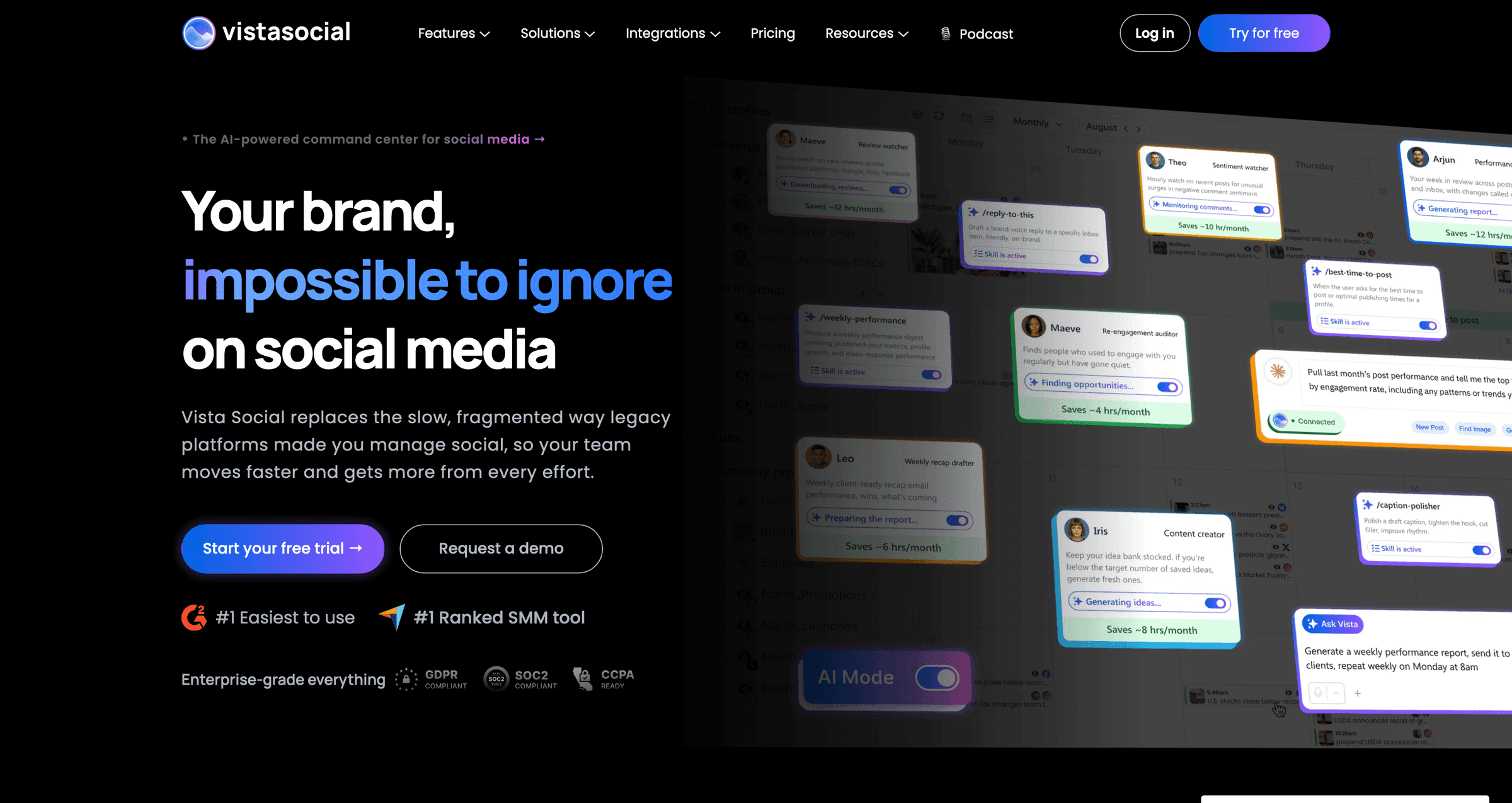
Vista Social combines publishing with engagement tools, review management and DM automations. It's a candidate when replying to customers and monitoring reviews are part of the same team's publishing workload, which is the part of the job Buffer's comment tools only partly cover.
Professional costs $99 a month and includes 15 social profiles and two users. Advanced adds more sophisticated workflows, DM automations and custom reporting. Monitoring content on connected profiles is distinct from its broader listening add-on: listening across social, web and news starts at an extra $75 a month.
The pricing unit is a profile bundle rather than a channel or a brand, which works well at scale and badly at the entry. A freelancer with one client pays for 15 profiles whether they use three or fifteen.
Switching from Buffer: a Buffer free or Essentials user will feel the jump, since the entry plan costs more than a seven-channel Buffer setup. It makes sense when you're consolidating several Buffer channels plus a separate review tool into one product. Our Pallyy vs Vista Social comparison works the entry-tier math.
Best for: teams handling publishing, messages and reviews in one place.
Watch out for: whether you need the base engagement tools or paid listening and advanced automation. Vista Social's pricing spells out the difference.
7. Agorapulse

Agorapulse is worth shortlisting when community management drives the buying decision. Its inbox brings supported social conversations together, while publishing and reporting sit alongside the team's reply workflow. If you're leaving Buffer because comments and messages pile up across networks, this is the category to look at.
Standard costs $99 per user per month, or $79 with annual billing, and includes ten social profiles. Costs rise with additional users and profiles. Check the tier needed for inbox assignments, saved replies and approval workflows rather than assuming every team feature is included in Standard.
Per-user pricing is the structural difference from Buffer. Buffer Team includes unlimited users and charges per channel; Agorapulse charges per seat, so a three-person team pays three times the plan price before profiles are counted.
Switching from Buffer: count the people, not the channels. At ten profiles, Buffer Essentials costs $60/month and Agorapulse Standard costs $99/month on monthly billing. A solo manager pays more for the inbox; a team that relied on Buffer's unlimited seats needs to price every user. Expect the inbox, not the scheduler, to be where the time saving shows up.
Best for: community managers who spend a substantial part of the day handling conversations.
Watch out for: the cost of giving everyone access and any workflow upgrades. Agorapulse explains its per-user pricing and profile allowances.
8. Sendible
Sendible organizes work into separate spaces for clients, brands or locations. It combines scheduling with reporting and offers white-label options for agencies that want clients to use a dashboard carrying their own branding. Agencies running several clients' channels side by side in Buffer are the natural audience.
Its current plans include unlimited users. Core starts at $35 a month for one workspace and six profiles. Plus adds assignment and approvals, Premium adds custom branded reports, and white label is an add-on on eligible higher plans. Because users are unlimited, the price is driven by workspaces and profiles rather than seats.
Switching from Buffer: map each client to a workspace and each client's channels to profiles inside it. Agencies often find the per-workspace structure clearer than a flat channel list, but approvals and branded reports live above Core, so price the tier your client sign-off process actually needs.
Best for: agencies and businesses that need separate workspaces for client or location content.
Watch out for: the plan required for approvals, reports and white label. These aren't all included in the entry price shown on Sendible's pricing page.
9. Hootsuite
Hootsuite spans publishing, inbox management and monitoring, with higher plans for coordinating work across teams. It's an option for organizations whose requirements extend into approvals, access controls and compliance, which is a different league from the problems that usually send people away from Buffer.
Standard starts at $99 per user per month with annual billing and supports ten accounts. Professional adds unlimited accounts and more automation; Advanced adds approval and team-routing workflows. Enterprise adds capabilities such as single sign-on and custom compliance solutions. Monthly billing is also available.
Evaluate Hootsuite's listening, approval and compliance features against your specific requirements. Several alternatives also offer listening and team workflows, and the depth and availability depend on the plan.
Switching from Buffer: the advertised $99 rate requires annual billing. Monthly billing is available, so compare both the seat count and commitment before choosing a plan for listening, customer care or compliance. If it's more than you need, our Hootsuite alternatives roundup covers the options, and the Pallyy vs Hootsuite comparison shows the per-seat math.
Best for: organizations coordinating social publishing and customer care across teams.
Watch out for: per-user pricing and which tier includes the controls you need. Hootsuite's plan comparison distinguishes basic monitoring from advanced listening and governance.
10. Sprout Social
Sprout Social combines publishing and reporting with tools for social customer care. Its broader plans suit teams that need a shared inbox and more detailed performance analysis alongside their publishing calendar. Like Hootsuite, it's the answer when the product rather than the price is the reason you're looking.
Essentials costs $99 per seat per month, or $79 with annual billing, for five profiles. Standard starts at $199 per seat per month with annual billing and adds the consolidated inbox and review management. Premium Analytics and Listening are separate add-ons available from Standard upward.
If you need the consolidated inbox, budget for Standard. On annual billing, Essentials is $79 per seat per month and Standard is $199, about 2.5 times as much before add-ons. Compare the same billing period when calculating the upgrade.
Switching from Buffer: a Buffer Team setup with unlimited users becomes a per-seat bill, and five profiles on Essentials is fewer than many single brands run. Model seats, profiles and add-ons together before signing, and plan a proper rollout rather than an afternoon's reconnecting.
Best for: teams evaluating reporting and customer care as part of a wider social operation.
Watch out for: the difference between the entry scheduling plan and the suite you actually need. Factor in seats and add-ons using Sprout Social's pricing.
Free Buffer alternatives
Buffer's free plan is still one of the most generous on this list: three channels, ten queued posts per channel, no card. Three of the tools above also offer free plans, and each draws its limits differently.
- Publer gives you three accounts, excluding X, with ten scheduled posts per account at a time. It's the closest match to Buffer's free tier.
- Metricool covers one brand and 20 scheduled posts a month, excluding LinkedIn and X, with its analytics included.
- Pallyy covers one social set of up to 11 accounts, 15 image posts a month and 30 days of analytics. The free plan never asks for a card; the separate 14-day trial of the paid features does.
For the rest of the list, check the pricing links above for ongoing free plans and time-limited trials. Which free plan wins depends on the network mix. Buffer or Publer suit someone posting to three networks with a short queue, Metricool suits a reporting-first brand, and Pallyy suits a single brand that wants a visual calendar and grid preview. The free Instagram feed planner works without an account if the grid is all you need.
How to choose a Buffer alternative
Start with the task Buffer doesn't currently handle the way you need. Use that to shortlist two or three tools, then compare the plan that supports your full workflow.
- List your exact accounts and post formats. Support for a network doesn't guarantee every format, account type or publishing option is available.
- Count everyone who needs access. Include clients and reviewers, and check whether approval links require paid seats.
- Price the complete setup. Include profiles, workspaces, users, reporting and add-ons. Use the same billing period for every quote.
- Test a real week of work. Prepare posts, request feedback, reply to messages and produce a report. Check each step on the networks you actually use.
- Plan the handover. Review your existing queue and any export options before cancelling. Avoid scheduling the same post in both tools.
If Buffer already covers those tasks at a price you're comfortable with, staying put is a reasonable outcome. A useful alternative should solve a concrete problem in your workflow.
Buffer alternatives FAQ
What is the cheapest alternative to Buffer?
It depends on your account count and required features. Publer's paid plans start at $5 a month for one account, but additional accounts and members increase the total. Compare the complete price for your setup, including free plans where their limits are sufficient.
Is there a free alternative to Buffer?
Yes. Publer offers three accounts excluding X, with ten queued posts per account. Metricool offers one brand and 20 scheduled posts a month, excluding LinkedIn and X. Pallyy offers one social set and 15 posts a month with image publishing only. Their limits suit different publishing needs.
Which Buffer alternative is best for agencies?
Shortlist tools around your client workflow. Sendible offers separate workspaces and white-label options, Agorapulse focuses on community management, Metricool combines scheduling and reporting, and Pallyy groups profiles into social sets. Compare the plans that include your required approvals, users and reports.
Which tool is most like Buffer?
Publer is the closest match. It's a scheduler first, with a free plan of three accounts and ten queued posts each, and paid plans priced per account like Buffer's per-channel model. Both tools offer CSV uploads. Compare Publer's RSS automation and paid recycling features if those are your reasons to switch.
Which Buffer alternative is best for evergreen content?
SocialBee is worth considering for category-based schedules and recurring content. Publer also offers recycling features. Test how each handles variations and repeat schedules on your chosen networks before moving your content library.
For more options beyond this shortlist, see our social media scheduling tools comparison.

![Preview for article Tips for Social Media Managers [Improve Your Productivity]](/_ipx/w_480&f_webp&q_80/img/blog/tips-for-social-media-managers/main.jpg)