Contents
Link in bio tools turn one profile URL into a page of destinations, such as your shop, booking form, latest article, or portfolio. Pallyy, Linktree, Bio Sites, Liinks, and Bitly offer different ways to build that page, depending on whether you also need social scheduling, design flexibility, or link management.
This guide explains what to look for and compares five options. If you're specifically replacing Linktree, our Linktree alternatives roundup includes additional free and paid options.
What is a link in bio?
A link in bio is a clickable URL in a social profile. A bio link page is the destination that groups your links together. Even on platforms that support several profile links, a separate page can give you more control over the presentation and order of your content.
The page doesn't need to replace your website. It can simply help someone who found you on social media reach the right part of it.
Why should you use a bio link tool?
A bio link tool gives visitors one place to find the destinations you mention in your posts. It also lets you change those destinations without replacing your profile URL every time you publish something new.
Useful features to compare include:
- Button links and image grids that help visitors recognize the content they came for.
- Themes and branding controls that match your business.
- Page views and link clicks that show what people use.
- Forms, product links, or booking links for your main business goal.
- Page and user allowances if you manage more than one brand.
Avoid choosing a tool just because it has the longest feature list. Start with the action you want a visitor to take, then check whether the plan you can afford supports it.
Pallyy
Pallyy combines a bio link page with social media management on its paid plans.
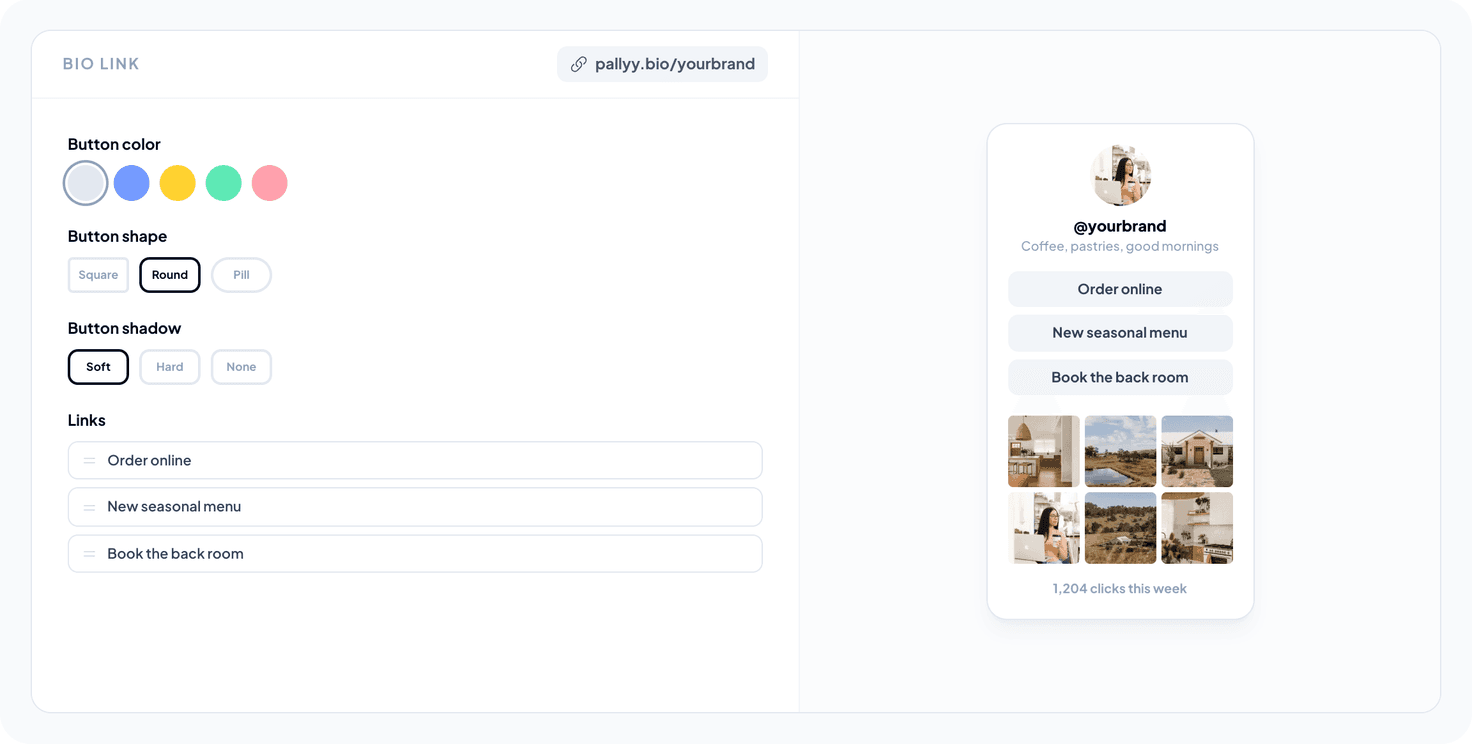
Pallyy's bio link tool supports button links, image grid links, themes, and click and impression tracking. You can also attach destination links to supported Instagram posts scheduled in Pallyy, so the bio page connects visitors to the content in your feed.
Each social set has its own page, which is useful when you manage separate client brands. Removing Pallyy branding is included on paid plans.
Pricing: Pro is $25/month with one social set; Agency is $99/month with 10 sets. The Free plan doesn't include bio link pages.
Best fit: A team that needs scheduling and a bio page in the same workflow. A standalone free tool is a better starting point if you only need a list of links.
Linktree
Linktree is a dedicated bio link platform with a free plan and paid upgrades.
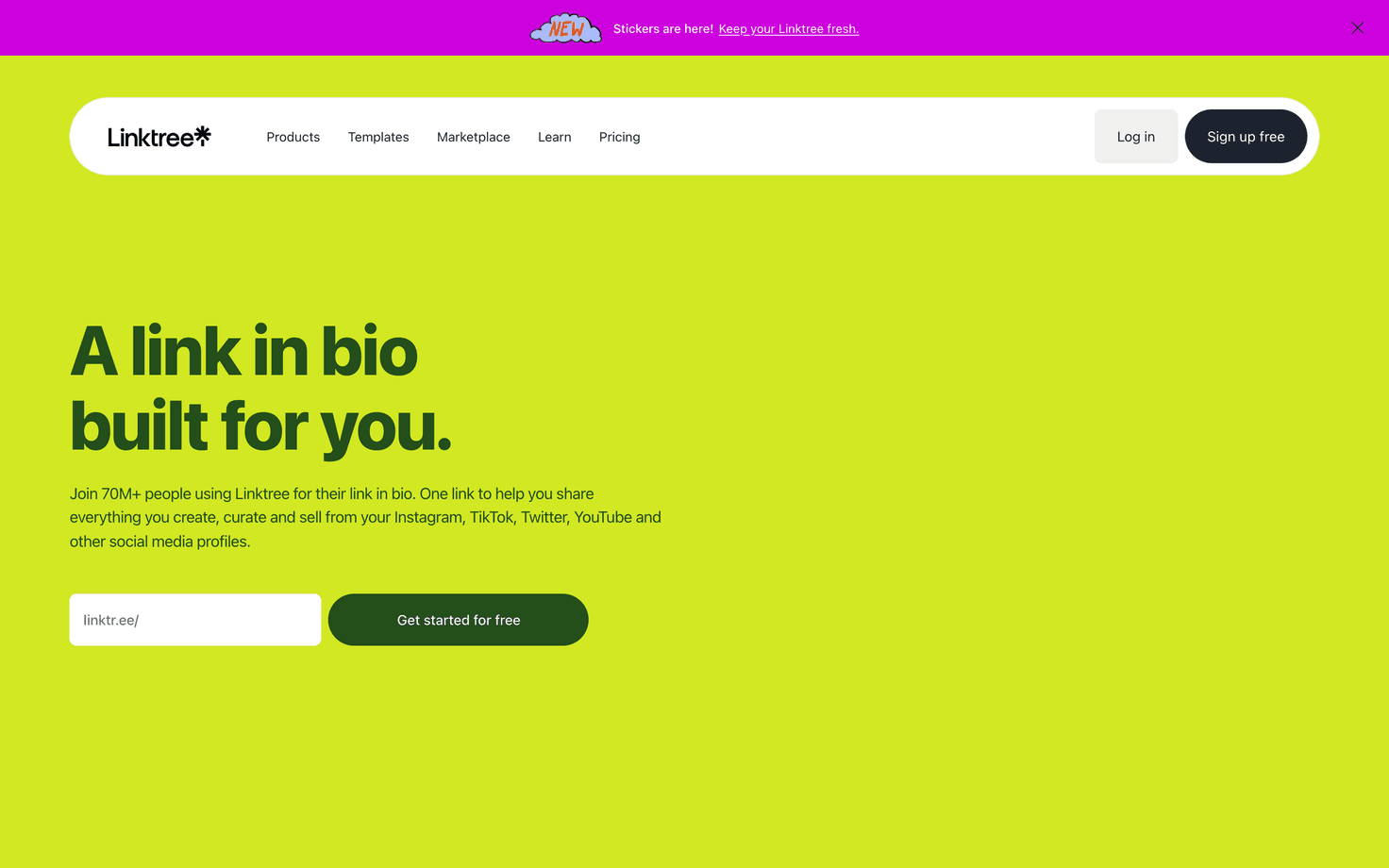
Its Free plan supports unlimited basic links. Paid plans add features such as more design controls and analytics; the Pro plan includes removal of Linktree branding and mailing list integrations.
Pricing: Linktree's plan comparison lists Free, Starter, Pro, and Premium. Check the displayed price for your region and billing period rather than relying on older advertised rates.
Best fit: Someone who wants a dedicated link page and can choose a plan around the specific customization or marketing features they need.
Biosites
Bio Sites is Squarespace's free bio link builder, and you don't need a Squarespace subscription to use it.
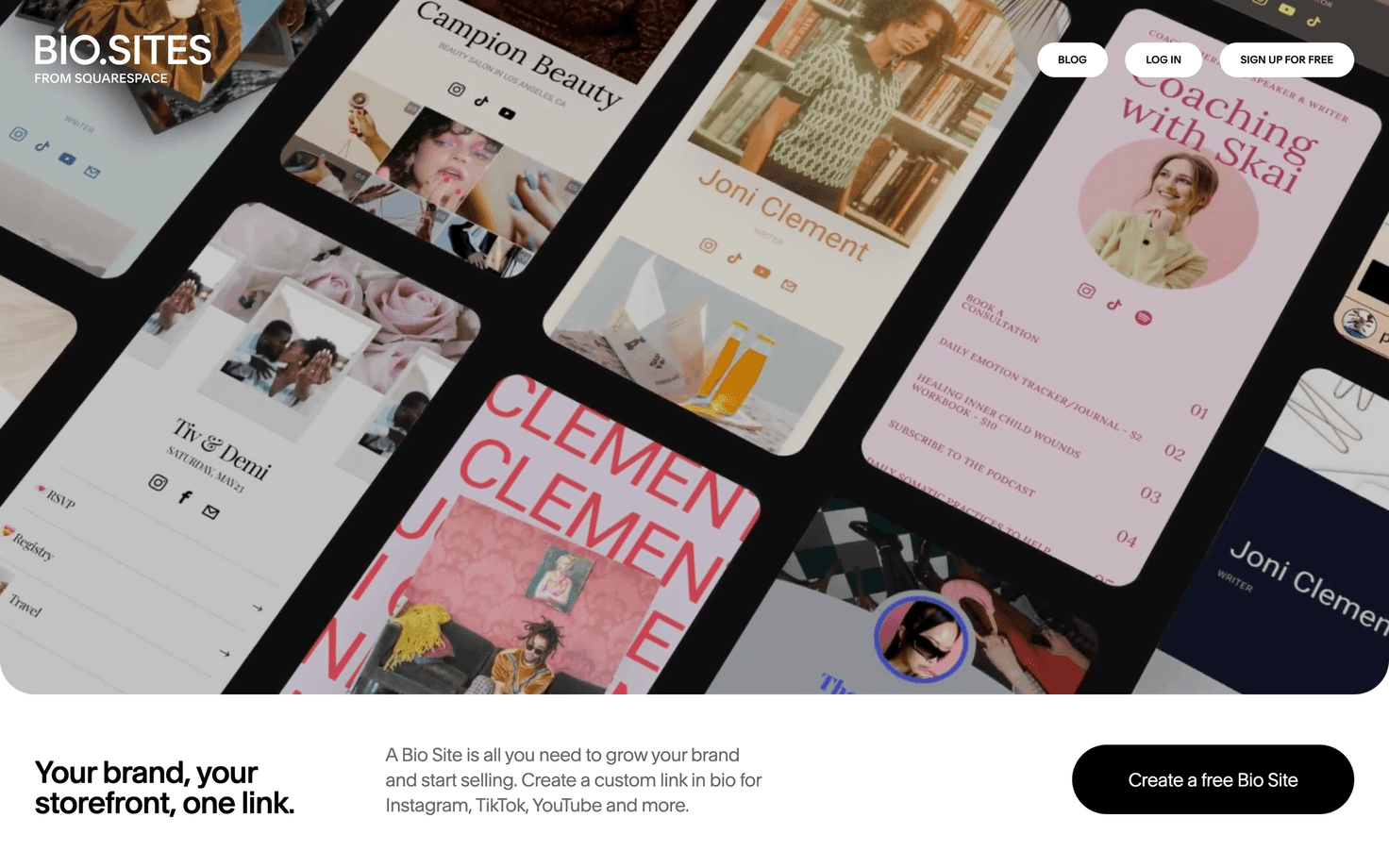
Templates, unlimited links, and built-in analytics make it a useful starting point for a standalone page. You can adjust the design to match your brand.
Pricing: Bio Sites is free to create and launch. Review any payment-related fees separately if you use it to sell.
Best fit: A creator or business that wants a template-led page without a website subscription.
Liinks
Liinks is a paid page builder for organizing links into different visual layouts.
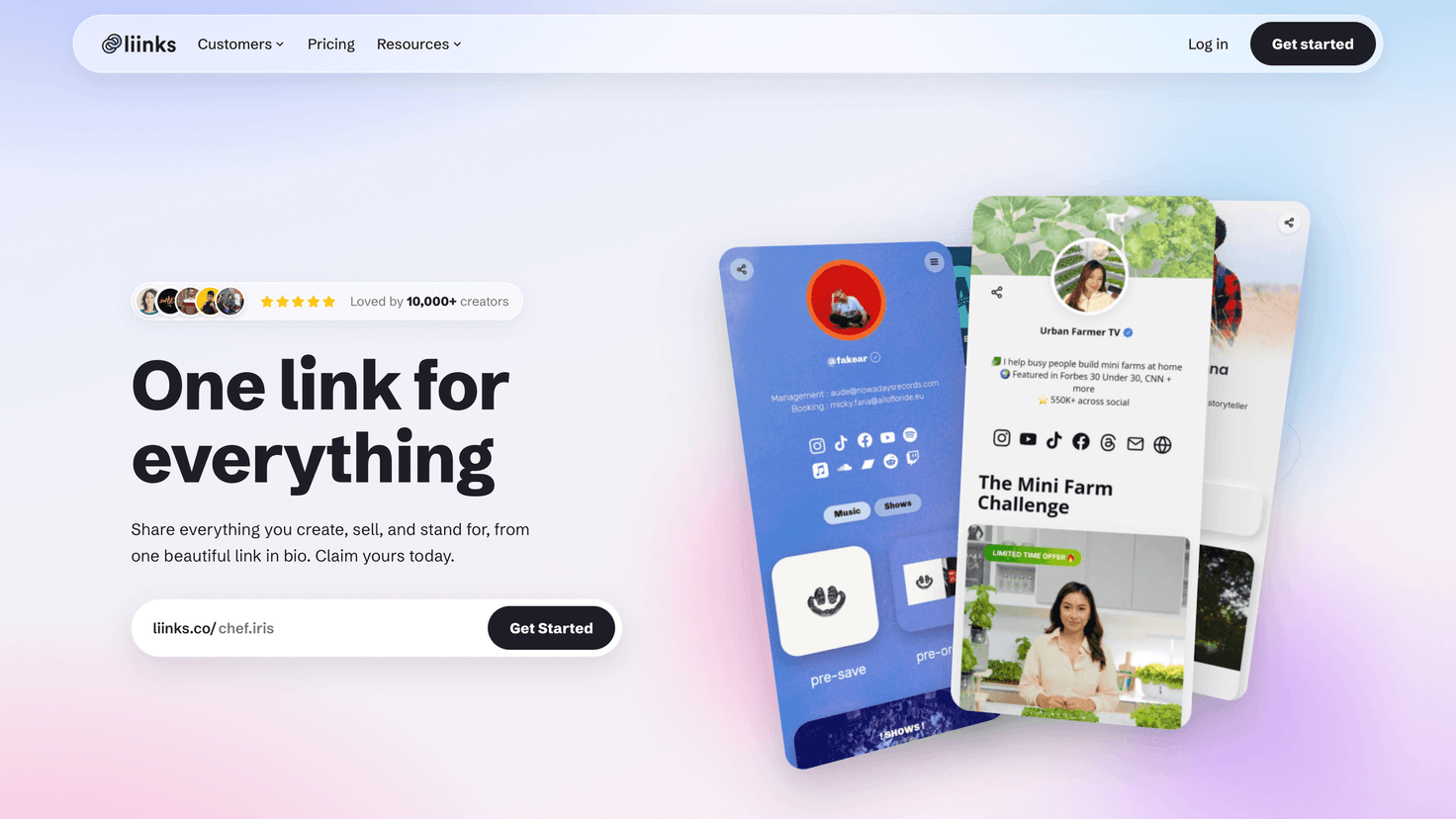
You can use grids, carousels, and folders to organize content. Pro adds multiple-profile management and custom domains.
Pricing: Liinks Starter is $5/month or $48/year. Pro is $12/month or $120/year per pack of five profiles. A 14-day trial is available, but there is no free plan.
Best fit: A business that cares about visual organization or needs dedicated pages for several brands.
Bitly
Bitly combines landing pages with short links and QR codes.
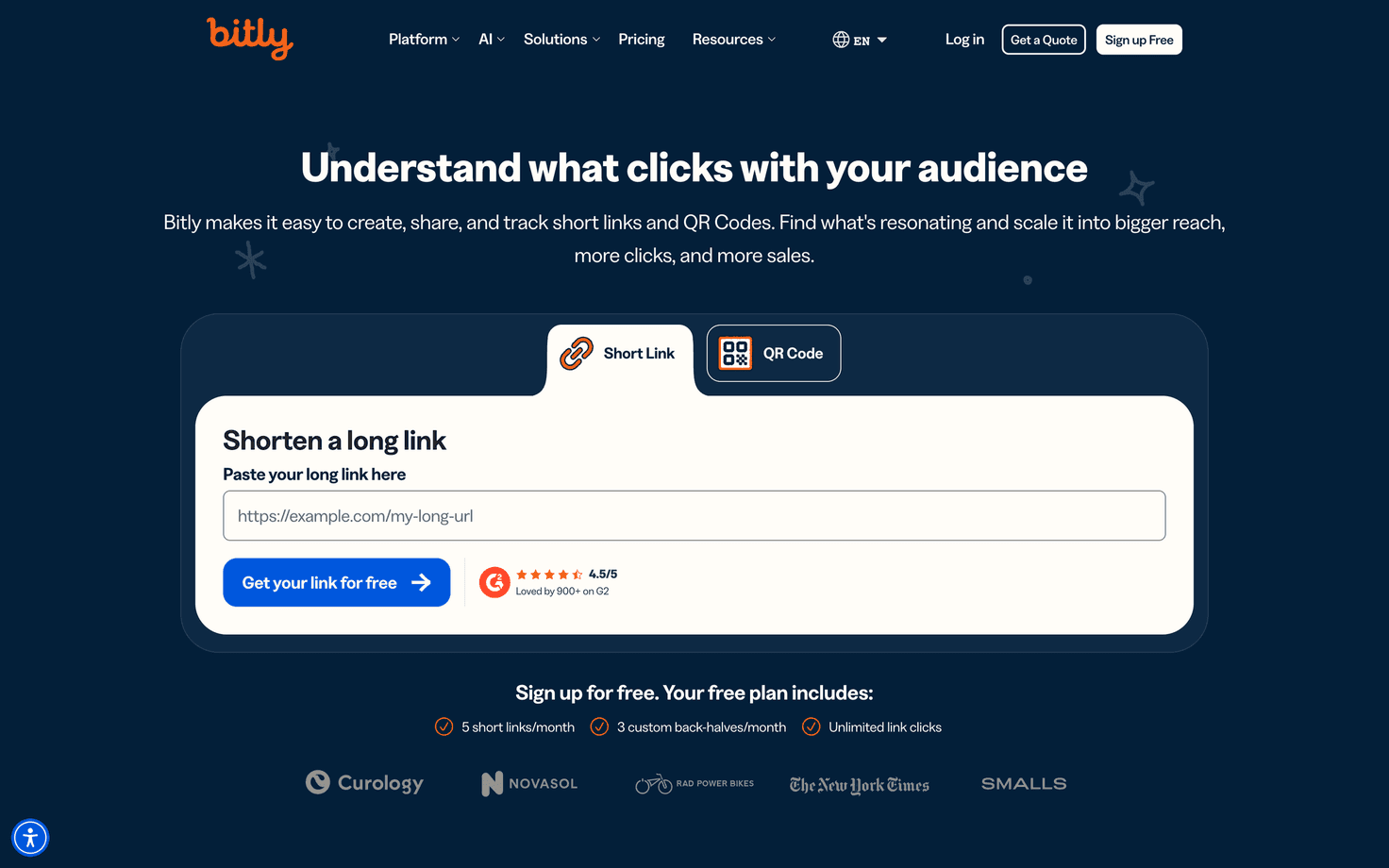
That combination is useful when the same campaign needs a social profile destination, a shortened URL, and a QR code for print materials. Compare the limits for each of those features, because they aren't interchangeable.
Pricing: Bitly's Free plan includes two custom landing pages. Core includes five and costs $120/year, shown as $10/month with annual billing only.
Best fit: A marketer who needs short links and QR codes alongside a bio page.
How to build a useful bio link page
A useful bio link page puts the visitor's next action ahead of a long list of everything your business does.
- Choose a tool and plan based on the page features you actually need.
- Add a recognizable profile image, name, and short description.
- Put the most useful destination first, using a label that explains where it goes.
- Add supporting links for current posts, services, or products.
- Test every link on a phone before sharing the page.
- Add the page URL to your social profile and review clicks regularly.
For the profile edit, follow our guide to putting a link in your Instagram bio. Pallyy users can follow the bio link setup instructions to build a page with button and grid links.
Which tool should you choose?
The right bio link tool is the one that supports your visitor's next step without adding unnecessary work. Check the free or paid plan's actual limits before you build, and consider whether a tool you already use includes the feature.
For client social media work, a page inside your existing scheduler can reduce the number of accounts you maintain. For a standalone profile, a dedicated page builder may be enough. Product and plan details in this guide were checked against the linked official pages in September 2026.