
Unsplash is built into Pallyy's media uploader, so when you need a photo but don't have one, you can search a huge library of free stock photography without leaving the post you're working on.
How it works
- Open the media uploader, when composing a post or adding to your media library.
- Pick Unsplash as the source.
- Search for what you need and select a photo.
- The photo imports into Pallyy like any other upload, ready to use in a post.
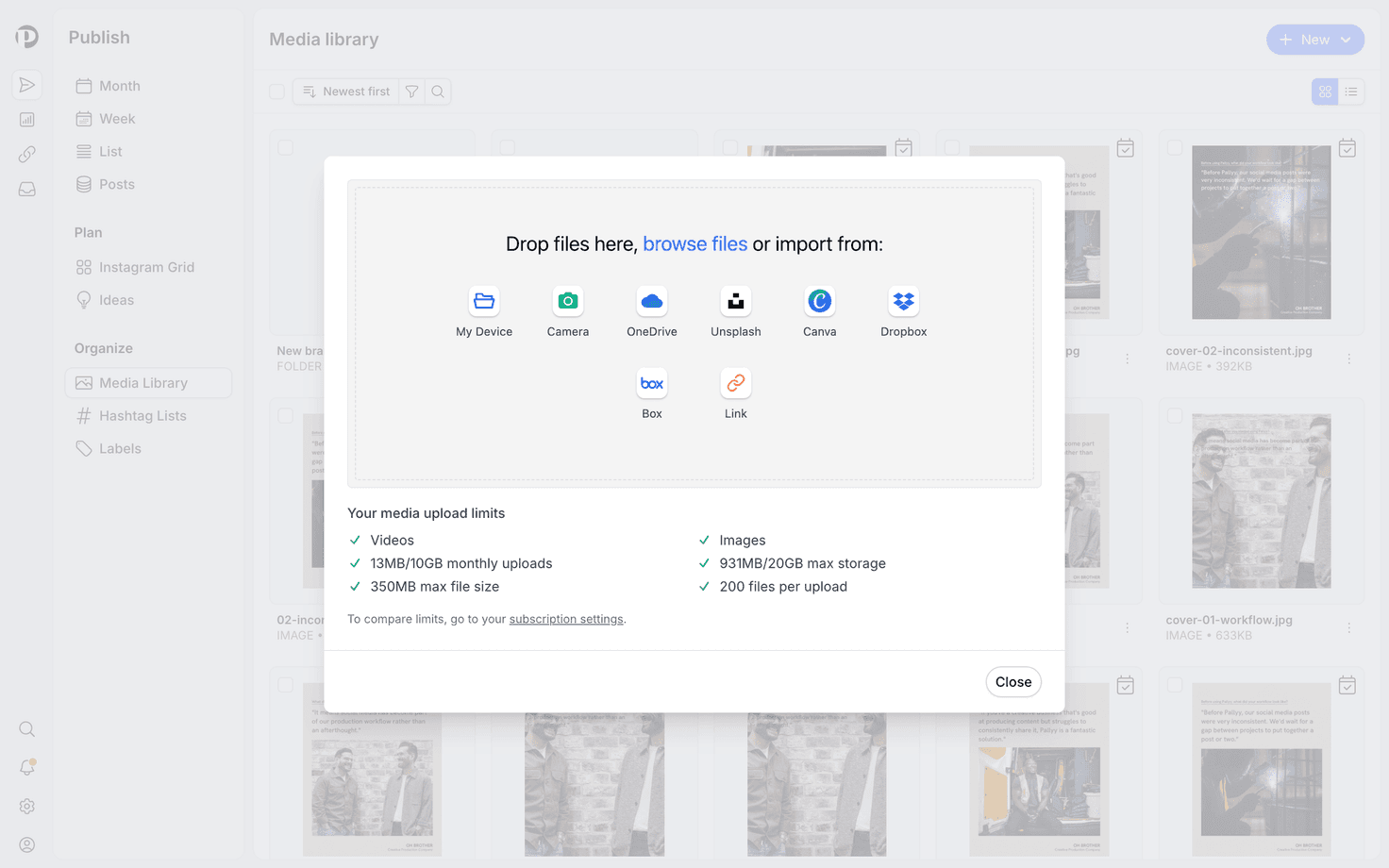
That's it. No separate tab, no download-then-upload shuffle.
Where you can use it
The Unsplash option lives in Pallyy's media uploader itself, so it's available anywhere you add media: composing posts for any connected platform, or stocking your media library for later.
Looking for other sources? The uploader also includes the Canva integration for designing graphics, plus imports from Dropbox, Box, and OneDrive.
Frequently asked questions
Is Unsplash free to use?
Yes. Unsplash photos are free to use, and searching the library inside Pallyy doesn't require an Unsplash account.
Do imported photos count toward my storage?
Yes. A photo imported from Unsplash is stored like any other upload and counts toward your plan's media storage. Storage limits per plan are on the pricing page.
Can I edit a photo after importing it?
Yes. Pallyy's uploader includes a built-in image editor, so you can crop and adjust the photo before it goes into a post.
More in Integrations
Still need help? Email us at hey@pallyy.com and we'll get back to you.