
Pallyy schedules Threads posts ahead of time and publishes them through the official Threads API. Threads rewards showing up consistently, and the Threads integration makes that easy to sustain. Here's what you can do once your profile is connected.
What you can publish
Pallyy schedules every core Threads format, all auto-published at the scheduled time. No reminder notifications, no finishing the post in the app:
- Text posts
- Image posts
- Video posts
- Carousels
Any Threads profile can connect. There's no business account requirement, so the profile you already have works from day one.
Preview every post before it goes live
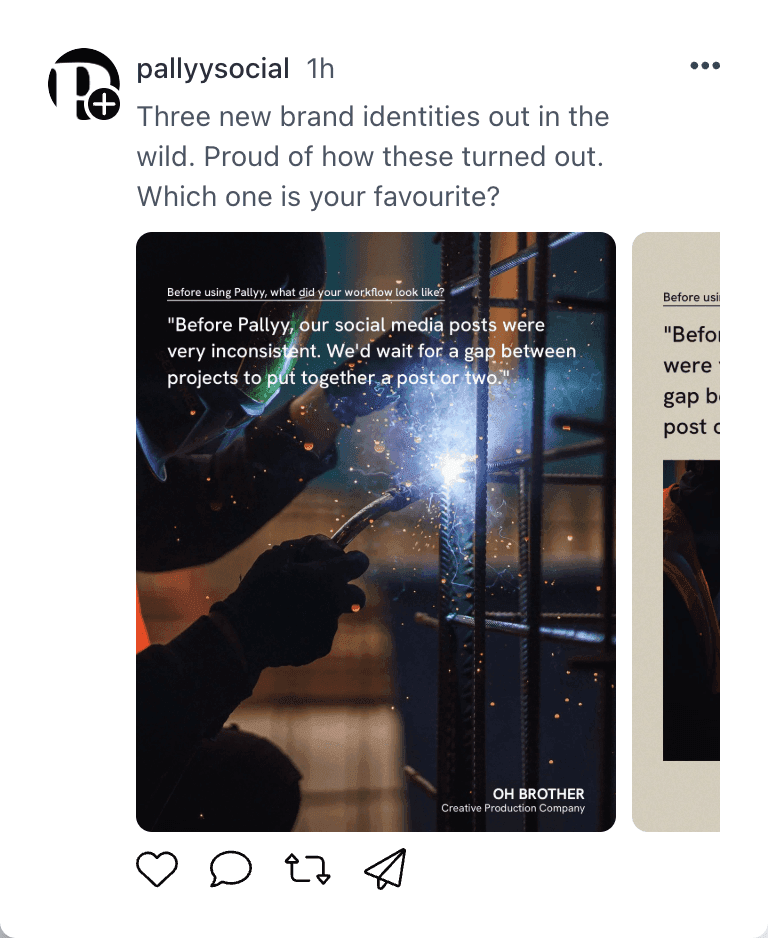
Every post scheduled in Pallyy gets a preview, so you can see how it'll look on Threads before it publishes. Catch an awkward line break or a cropped image while it's still easy to fix.
Cross-post from your other channels
Pallyy's cross-posting lets you repurpose a post from another channel and tailor the copy for Threads, so one idea stretches across your whole schedule without copy-pasting between tabs. Handy when you've already written the perfect post for Instagram or X.
Approvals before publishing
Post approvals let a client or teammate sign off on each post before it publishes. Nothing goes live until it's been reviewed, which keeps everyone comfortable when more than one person touches the account.
Frequently asked questions
Do Threads posts auto-publish?
Yes. Every scheduled post publishes automatically through the official Threads API at the time you choose. There's nothing to confirm in the app.
Can I connect any Threads profile?
Yes. Any Threads profile connects to Pallyy, with no business account requirement. Just authorize the connection and start scheduling.
Does Pallyy show Threads analytics?
Not currently. Pallyy's analytics covers Instagram, Facebook, and LinkedIn, so publishing-focused platforms like Threads don't appear in analytics or reports.
More in Integrations
Still need help? Email us at hey@pallyy.com and we'll get back to you.