
Pallyy's official Instagram integration supports publishing, grid planning, comments, DMs, and analytics. Instagram is where Pallyy goes deepest. Here's what you can do once your account is connected.
What you can publish
Pallyy schedules every major Instagram format, and everything auto-publishes at the scheduled time. No reminder notifications, no finishing the post on your phone:
- Feed posts
- Reels
- Carousels
- Stories
Each post supports user tags, a location, and a scheduled first comment, which is a popular spot for hashtags.
Instagram connections need a business or creator profile. Personal profiles aren't supported by the official Instagram API. Switching is free and takes a few minutes in the Instagram app.
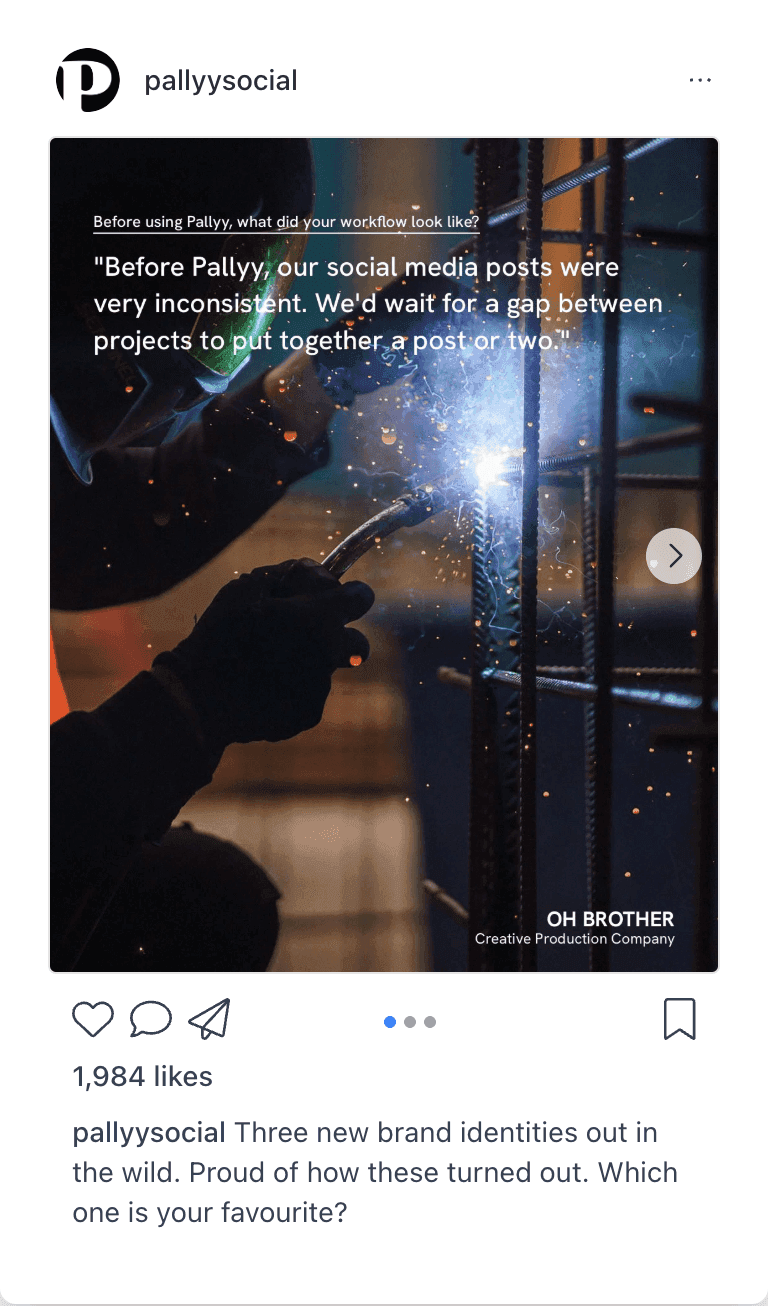
Plan your grid visually
Pallyy's Instagram grid preview shows your published and scheduled posts together, so you can see exactly how your profile will look before anything goes live. Drag posts around to rearrange your feed until the grid feels right.
Prefer a timeline view? The social media calendar shows the same scheduled posts by day, week, or month.
Manage comments, DMs, and mentions
Instagram sends more conversation types to Pallyy's inbox than any other platform:
- Comments on your posts
- Direct messages
- Mentions
- Story replies
Reply to all of them right from Pallyy. Replies go out through the official API, so they look exactly like you replied in the app. The inbox is available on Pro plans and above.
Track your Instagram performance
Pallyy's Instagram analytics covers follower growth, reach, impressions, engagement, Stories, and audience demographics, and feeds into shareable reports. You also get best time to post suggestions and, with competitor tracking, a side-by-side comparison against other Instagram accounts.
Extras that come with the connection
- Post approvals: let a client or teammate sign off before content goes live.
- Link in bio: a branded link in bio page for the link in your Instagram profile.
- Best times to post: suggestions for when to schedule.
Frequently asked questions
Do Reels, Stories, and carousels really auto-publish?
Yes. Every Instagram format Pallyy supports publishes automatically through the official Instagram API. There's nothing to confirm on your phone.
Can I connect a personal Instagram account?
No. The official Instagram API only supports business and creator profiles. Switching your personal profile to a creator profile is free and takes a few minutes in the Instagram app.
Can I schedule a first comment?
Yes. Pallyy schedules a first comment on Instagram posts: write it alongside the post and it publishes right after the post goes live. Handy for keeping hashtags out of your caption.
Which plans include the Instagram inbox?
Pallyy's Instagram inbox is available on Pro, Agency, and Scale. Publishing and grid planning work on every plan, within your plan's monthly post limit.
More in Integrations
Still need help? Email us at hey@pallyy.com and we'll get back to you.