
Pallyy's client invites let your clients connect their own social accounts to your social set, so you never have to ask for passwords. You send a link, your client clicks it and authorizes their accounts, and everything lands in your set ready to schedule.
Client invites are the onboarding step of the wider client workflow shown on the agencies page.
How to invite a client to connect
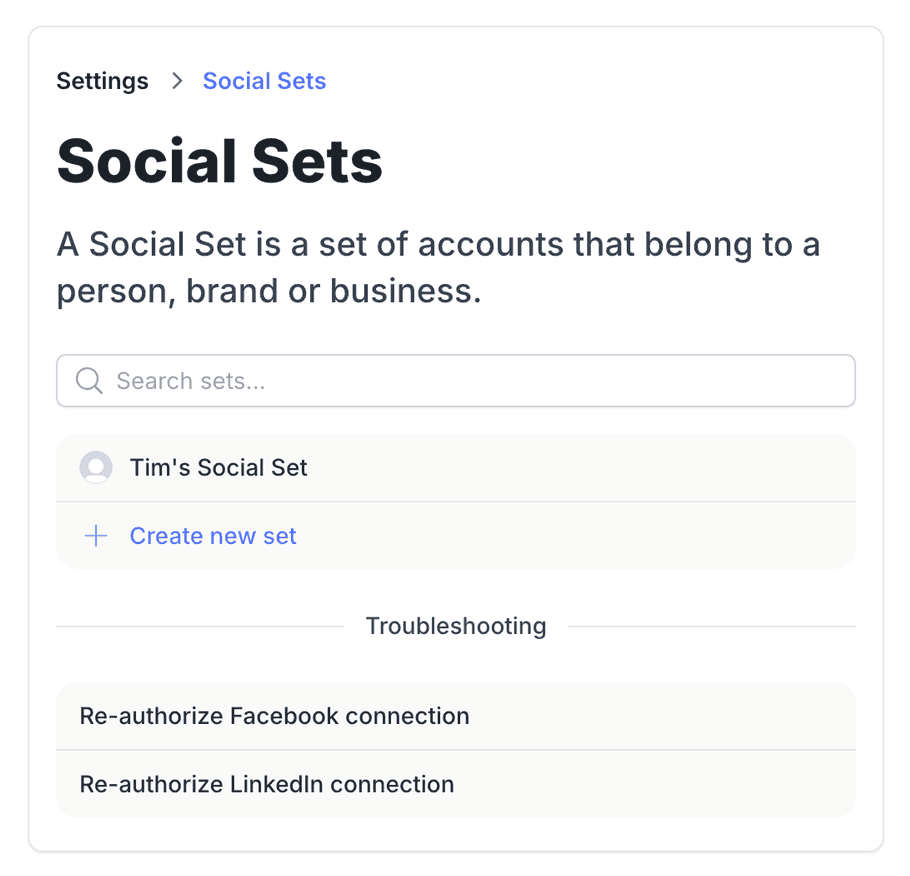
The whole invite flow lives in your social set's settings.
- Go to Settings > Social Sets and open the client's set.
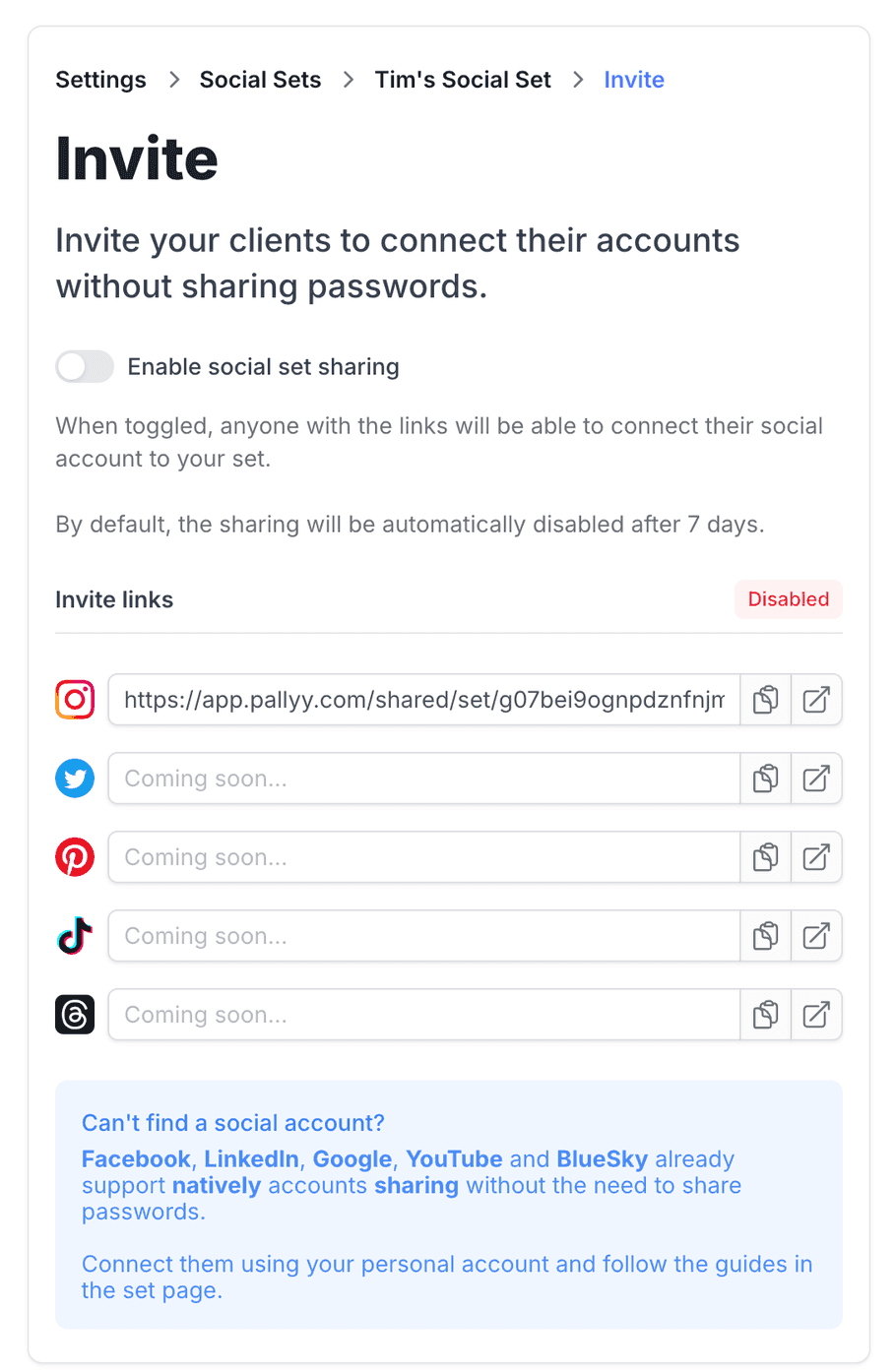
- Click Invite your clients to connect.
- Turn on Enable social set sharing.
- Copy the link you need from the Invite links list and send it to your client.
- Your client opens the link and authorizes their accounts, which land straight in your set.
Send an invite
Pallyy generates an invite link for each social set, and you send it to your client however you normally talk, email, Slack, carrier pigeon, your call.
Invite links expire: sharing switches itself off after 7 days, so links aren't sitting around forever waiting to be forwarded to the wrong person. If your client doesn't get to it in time, just generate a fresh one from the same place.
What your client does
Your client opens the invite link and connects their accounts straight to your social set. They log in to each social network themselves and authorize the connection, the same way you'd connect your own accounts. Their passwords never pass through you, or through Pallyy for that matter.
That's the whole job on their end. No setup calls, no screen sharing, no "can you reset the password and text it to me".
Spot client-connected accounts
Accounts your client connected show an Added by client label in your social set, so you always know which connections came through an invite. When one of those connections needs attention, the account shows Client must refresh instead, which tells you the client, not you, needs to reconnect it. Send them a fresh invite link and they can sort it in a minute.
Frequently asked questions
Do I ever need my client's passwords?
No. Pallyy's client invites exist so passwords never change hands: your client authorizes their own accounts through the invite link, and the connections land in your social set without you touching a login.
What does "Client must refresh" mean?
It means a connection your client made through a Pallyy invite needs to be reauthorized, and only they can do it, since the login is theirs. Send them a new invite link and they can refresh the connection themselves.
What happens if the invite link expires?
Nothing bad. Pallyy invite links expire on purpose to keep them secure, and generating a new one takes seconds: open the social set in Settings > Social Sets and click Invite again.
More in Features
Still need help? Email us at hey@pallyy.com and we'll get back to you.