Instagram resizes everything you upload. If your image or video doesn't match one of the supported aspect ratios, Instagram crops it for you, and its automatic crop has no idea where your product, face, or text sits in the frame. Upload something oversized and it gets compressed instead, which is where most blurry posts come from.
This guide lists the exact size to use for every Instagram format in 2026, including the 3:4 profile grid change that quietly altered how feed posts get cropped. Publishing on other networks too? We also cover Facebook post sizes and Pinterest post sizes.
Instagram post sizes at a glance
| Format | Aspect ratio | Recommended size |
|---|---|---|
| Portrait feed post | 4:5 | 1080 x 1350 px |
| Tall portrait post | 3:4 | 1080 x 1440 px |
| Square feed post | 1:1 | 1080 x 1080 px |
| Landscape feed post | 1.91:1 | 1080 x 566 px |
| Stories | 9:16 | 1080 x 1920 px |
| Reels | 9:16 | 1080 x 1920 px |
| Carousel slides | 4:5 or 1:1 | 1080 x 1350 or 1080 x 1080 px |
| Profile picture | 1:1 | 320 x 320 px |
Keep the width at 1080 pixels for every feed format. Instagram stores images at 1080 wide, so anything smaller gets upscaled and anything much larger gets recompressed. You can crop a photo to any of these dimensions in your browser with our free Instagram photo resizer.
Instagram post sizes for photos
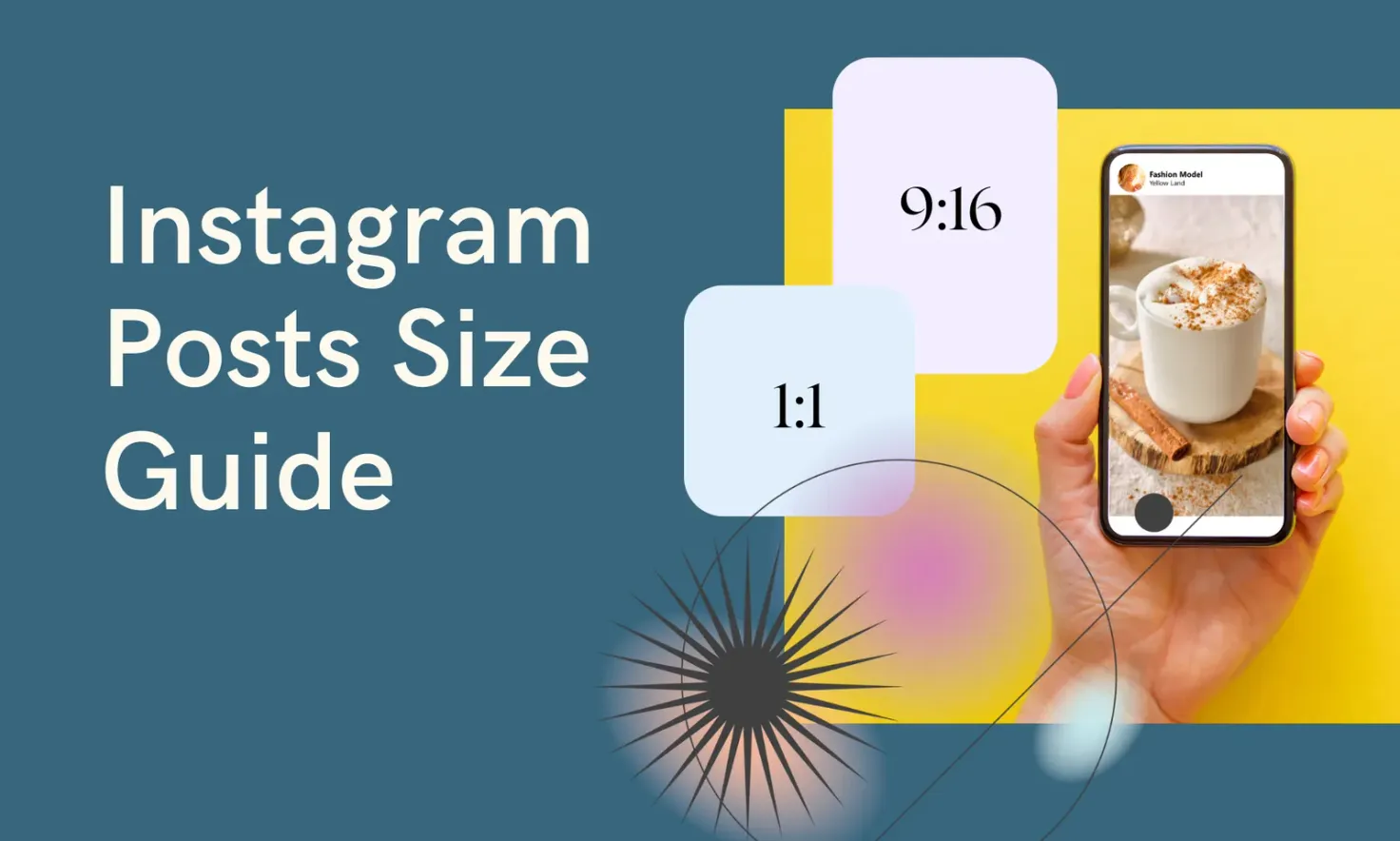
Portrait 4:5 (1080 x 1350 pixels) is the size most brands should default to. It fills more of the phone screen than any other feed format, which means people spend longer on your post as they scroll.
Instagram also supports:
- Tall portrait (3:4 ratio): 1080 x 1440 pixels, added alongside the grid update
- Square (1:1 ratio): 1080 x 1080 pixels
- Landscape (1.91:1 ratio): 1080 x 566 pixels
Photos can be JPG or PNG up to 30 MB.
One thing that changed: your profile grid now previews posts as 3:4 rectangles instead of the old 1:1 squares. A 4:5 or square post still displays at full size in the feed, but its grid thumbnail gets cropped to 3:4, so keep faces and text away from the very top and bottom edges of the frame. If your grid aesthetic matters to you, preview how posts sit together before publishing with the free Instagram feed planner.
Instagram post sizes for videos
Instagram no longer treats feed videos as a separate format: any video you post is shared as a Reel and follows Reel dimensions. That means vertical 9:16 at 1080 x 1920 pixels is the size to film for.
If you only have landscape footage, Instagram will letterbox it inside the vertical player, which shrinks it to a strip in the middle of the screen. Reframing the key moment as a vertical crop almost always performs better than posting the wide original.
Instagram post sizes for Reels
- Aspect ratio: 9:16 (vertical, full screen)
- Resolution: 1080 x 1920 pixels
- Length: up to 3 minutes for standard Reels
- Frame rate: 30 FPS or higher
The interface overlays sit on top of your video: the caption and audio row along the bottom, the action buttons down the right side. Keep text and subtitles inside the middle of the frame, and run your cover through the free safe zone checker to confirm nothing important is hidden.
Your Reel cover also appears on your profile grid cropped to 3:4, so center the subject when you pick or upload one. For the full spec list, see our guide to Instagram Reels sizes.
Instagram post sizes for Stories
Instagram Stories are full-screen vertical posts that disappear after 24 hours:
- Aspect ratio: 9:16
- Resolution: 1080 x 1920 pixels
- Image file type: JPG or PNG
- Video file type: MP4 or MOV
- Video length: up to 60 seconds per Story before it splits into segments
Anything that isn't 9:16 gets pillarboxed on a blurred or solid background rather than cropped, so Stories are more forgiving than the feed. Still, native full-screen Stories look better and leave room for stickers and links. We break down every spec in our Instagram Story sizes guide.
Instagram post sizes for carousels
Carousels are up to 20 photos or videos swiped through as a single post. Two rules matter:
- The first slide sets the aspect ratio for the entire carousel
- Every following slide is cropped to match it
So decide the ratio before you export your slides. Portrait 4:5 (1080 x 1350 pixels) gives carousels the most screen space; square 1:1 is the safer choice if you're reposting a mix of old assets. A landscape image dropped into a portrait carousel gets cropped hard on both sides.
If you're splitting one wide image across multiple slides for a seamless swipe, the free Instagram grid maker cuts it into perfectly sized tiles for you.
Instagram profile picture size
Instagram stores profile pictures at 320 x 320 pixels and displays them as a circle. Upload a square image with the subject centered, since the corners are always clipped by the circular crop. On the web your picture can display larger, so a sharp 320 x 320 upload is the minimum, not the target; a 640 x 640 source scales down cleanly.
Get every size right before you post
The fastest workflow: crop each asset to the exact dimensions above with the Instagram photo resizer, then queue everything in one place. Pallyy's guide to how to schedule Instagram posts walks through publishing feed posts, Reels, Stories, and carousels at the times your audience is actually online.