
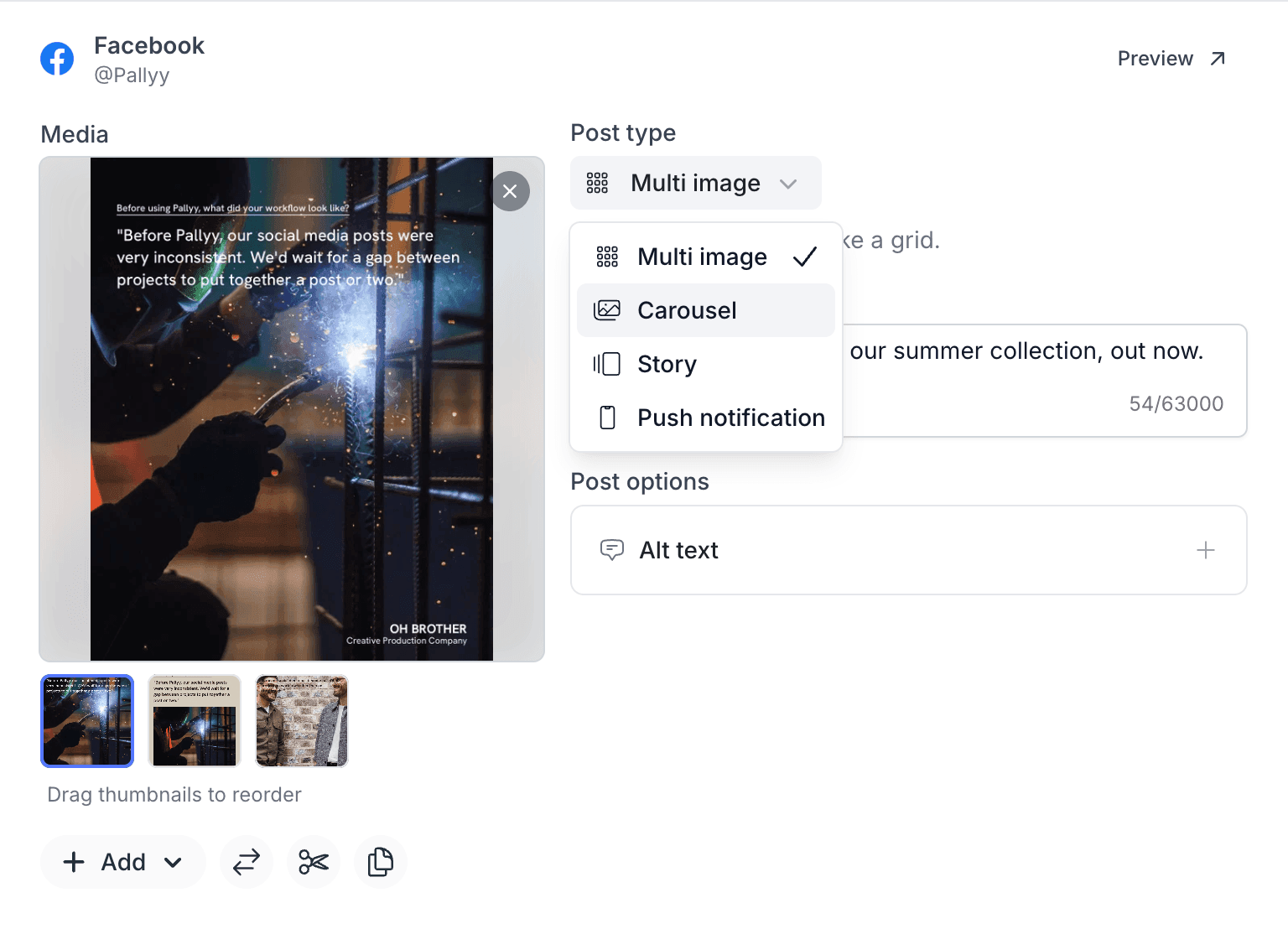
Pallyy schedules Facebook carousels as the inline card format they really are: every image gets its own Title, Description, and Link, added through the text-fields action on the image. That's different from a multi image post, which shows your images as a grid and needs no per-image links, and you pick between the two from the Facebook card's post type dropdown.
How to schedule a Facebook carousel
Carousels are built image by image, because Facebook requires each card to carry its own text fields and link:
- Create or open a post from Calendar > Month.
- On the Facebook card, add two or more images, then choose Carousel from the Post type dropdown.
 3. Under Post options, click Text fields.
4. Fill in each image's Title, Description, and Link, switching between images with the thumbnails. Every image must have a link, since each card in a Facebook carousel is a clickable unit.
5. Filling in the same details ten times gets old fast, so use the copy button next to each field to copy its value to the other carousel items, then tweak the cards that need something different.
6. Click Save and schedule the post as normal.
3. Under Post options, click Text fields.
4. Fill in each image's Title, Description, and Link, switching between images with the thumbnails. Every image must have a link, since each card in a Facebook carousel is a clickable unit.
5. Filling in the same details ten times gets old fast, so use the copy button next to each field to copy its value to the other carousel items, then tweak the cards that need something different.
6. Click Save and schedule the post as normal.
Seeing a warning on your Facebook carousel? It means some images are missing their text fields. Either add the Title, Description, and Link to every image, or switch the post type to Multi image if you don't need per-image links.
Carousel vs multi image
A carousel is a set of clickable cards, while a multi image post is a grid of pictures. Pick Carousel when each image should drive traffic somewhere, like products with their own product pages. Pick Multi image when the images just tell one story together, like event photos, since it publishes as a grid with no links required. Both live in the same post type dropdown on the Facebook card, and you'll need the Facebook integration connected either way.
Frequently asked questions
Does every carousel image need a link?
Yes. Facebook carousels require a link on each image, which is why Pallyy asks for Title, Description, and Link on every one.
Why is my Facebook carousel showing a warning?
Because some images are missing their text fields. Add them to every image, or switch the post type to Multi image, which doesn't need them.
Do I have to fill in the fields for each image separately?
No. Pallyy's copy-to-other-items shortcut copies one image's text fields to the rest of the carousel, so you only type them once.
More in Features
Still need help? Email us at hey@pallyy.com and we'll get back to you.