
Drafts in Pallyy are posts saved without a publish date, parked safely until you're ready to schedule them. Any post can become a draft, and a banner on every draft makes the deal clear: it won't publish until you schedule it.
How to save a draft
Drafts are saved from the composer footer. To park a post as a draft:
- Open a post from Calendar > Month, or start one with New, then Post, then Continue to edit.
- Write as much or as little as you like. Drafts don't need a finished caption or media.
- Click the arrow next to the Schedule button in the footer.
- Choose Save as draft. The post is saved without a publish date and shows a draft banner.
- When it's ready to go live, open the draft, pick a date and time, and choose Schedule from that same dropdown.
The steps work for any post whether it's half a caption or a finished post waiting on a green light.
On the posts list, you can bulk save posts as drafts, handy when a whole batch needs to come off the schedule at once.
Quick drafts from the calendar
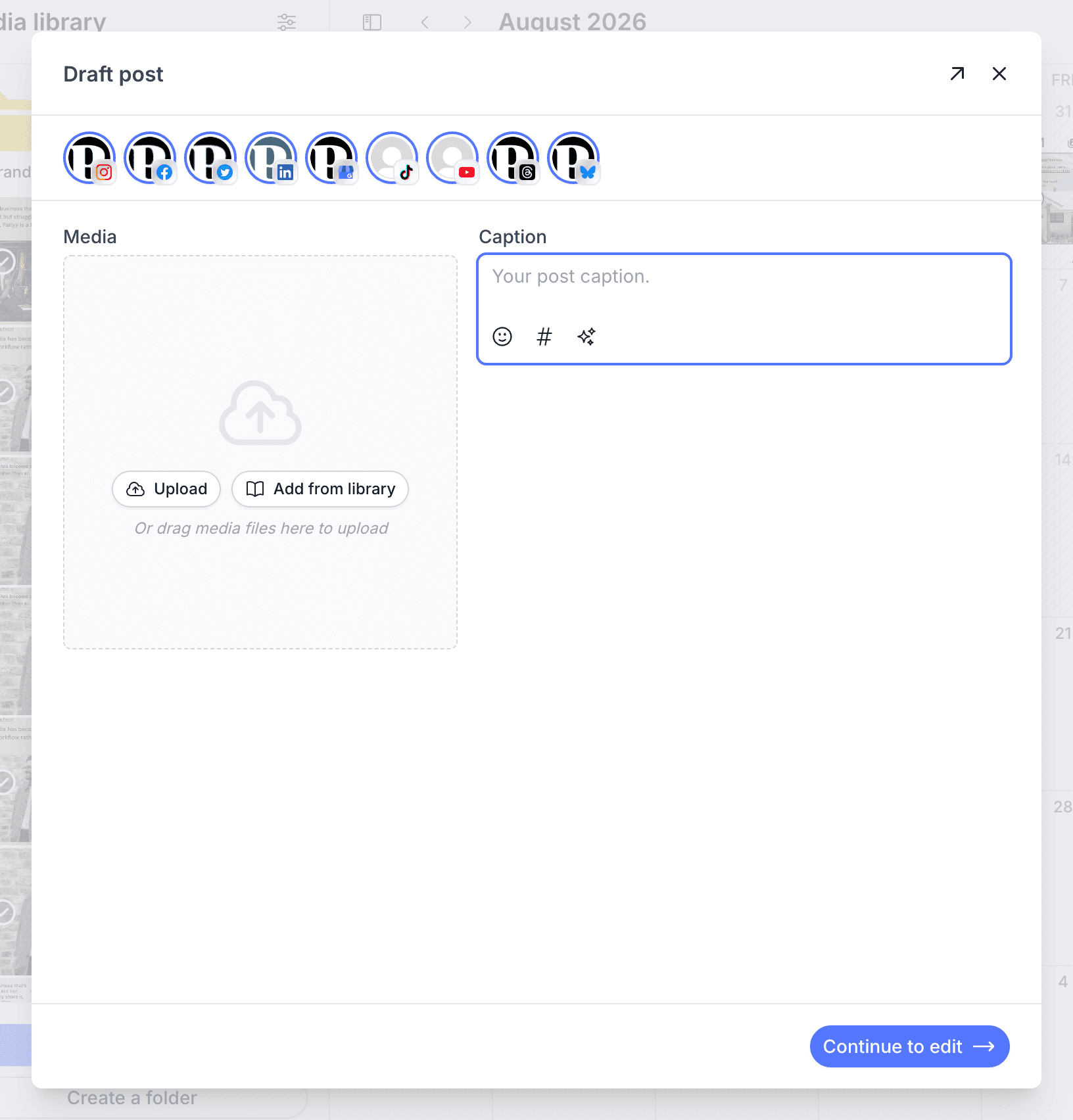
Dropping media onto the calendar opens a quick draft, the fastest way to get an idea out of your camera roll and into your plan. The quick draft covers the essentials: caption, media, and network toggles. When you want the full post composer with everything in it, hit Continue to edit (Ctrl+Shift+C) and pick up right where you left off.
Drafts in the approvals workflow
Drafts are also how Pallyy's approvals handle work in progress: requesting changes on a post parks it as a draft, and approving a draft schedules it in the same step. That means nothing under revision can slip out early, and nothing approved needs a second trip to go live.
Frequently asked questions
Will a draft ever publish on its own?
No. A Pallyy draft won't publish until you schedule it, and every draft shows a banner reminding you of exactly that.
What's the fastest way to start a draft?
Drop media onto the calendar. Pallyy opens a quick draft with caption, media, and network toggles, and Continue to edit (Ctrl+Shift+C) takes you to the full composer when you need more.
Can I turn scheduled posts into drafts in bulk?
Yes. Select the posts on the posts list and bulk save them as drafts, so a whole batch comes off the schedule in one action.
More in Features
Still need help? Email us at hey@pallyy.com and we'll get back to you.