
Pallyy's hashtag lists let you save custom groups of hashtags and add them to your posts when scheduling, so you're never retyping the same 20 tags from your notes app. Build a list once, then drop it into any caption with one click.
How to create a hashtag list
Pallyy keeps your hashtag lists at Publish > Hashtag Lists. Each list has a name and the hashtags themselves:
- Go to Publish > Hashtag Lists.
- Give your list a name, something like "Coffee shop" or "Product launch".
- Add your hashtags.
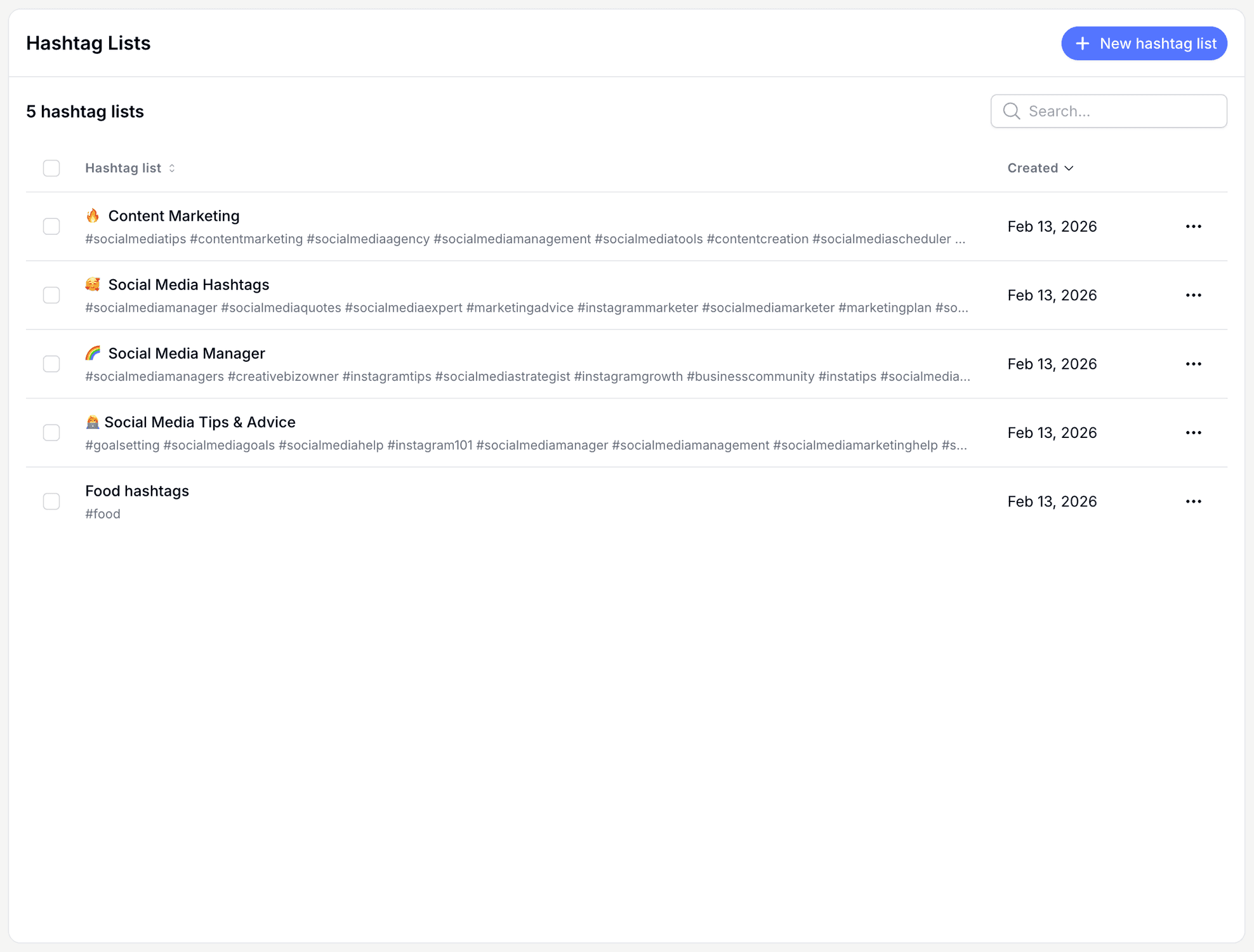
Most people end up with a few lists for different content themes, then mix and match per post.
Generate hashtags with AI
Pallyy can generate hashtags for a list with AI, right from the hashtag lists page. It's the quickest way to build out a fresh list, or to find tags you'd never have thought of for a niche. Use Generate with AI, keep the tags you like, and save.
Insert hashtags into a caption
Pallyy inserts a hashtag list into your caption via the Insert hashtags button in the composer's caption toolbar. While you write a post in the post composer, click the button, pick a list, and the hashtags land in your caption where you can still edit them like normal text.
Keep an eye on the character counter after inserting: a big list eats into tighter limits fast, like Threads at 500 characters or Bluesky at 300.
Frequently asked questions
Can I edit hashtags after inserting a list?
Yes. Pallyy inserts the hashtags as regular caption text, so you can delete a tag, add another, or move them around after inserting the list.
Is there a limit to how many hashtags I can insert?
Pallyy doesn't stop you, but each network's caption limit still applies, and the composer's character counter shows where you stand. Instagram gives you 2,200 characters, while Bluesky only allows 300.
Can Pallyy come up with hashtags for me?
Yes. Pallyy's hashtag lists include a Generate with AI option, so you can generate relevant hashtags for a list instead of researching them by hand.
More in Features
Still need help? Email us at hey@pallyy.com and we'll get back to you.