
Pallyy schedules Instagram and Facebook stories that auto-publish through the official APIs, so there's no reminder notification to catch and no manual posting on your phone. You schedule the story like any other post, and Pallyy publishes it for you at the scheduled time.
How to schedule a story
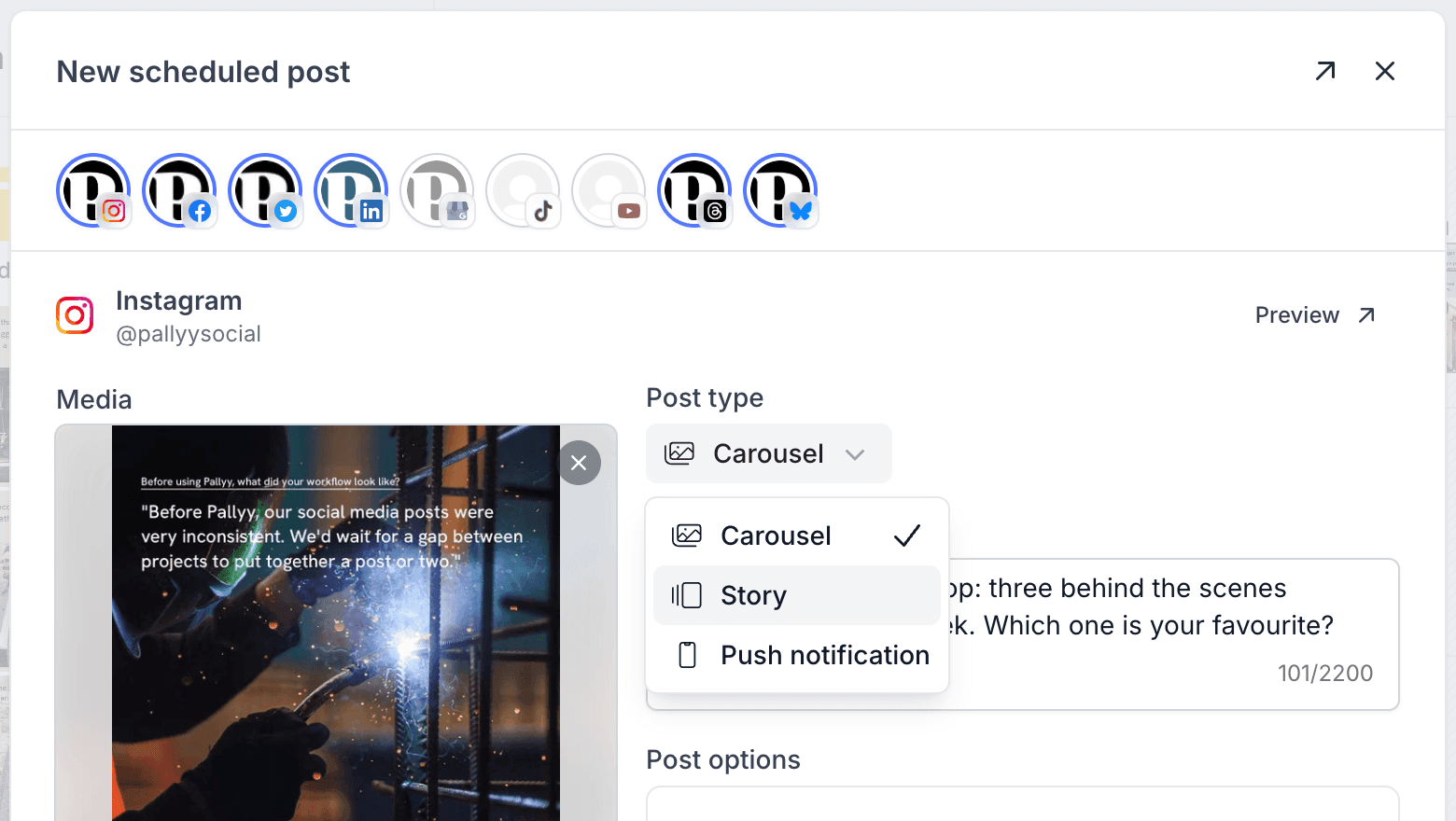
Pallyy turns a normal post into a story with one dropdown. Here's the flow:
- Create a post, or drag media straight onto the calendar.
- On the Instagram or Facebook card, open the post type dropdown and pick Story.
- Schedule it. Pallyy auto-publishes the story through the official API at the scheduled time.
That's it. Because publishing goes through the Instagram integration's official API, your story goes live whether or not your phone is nearby.
Schedule multiple stories together
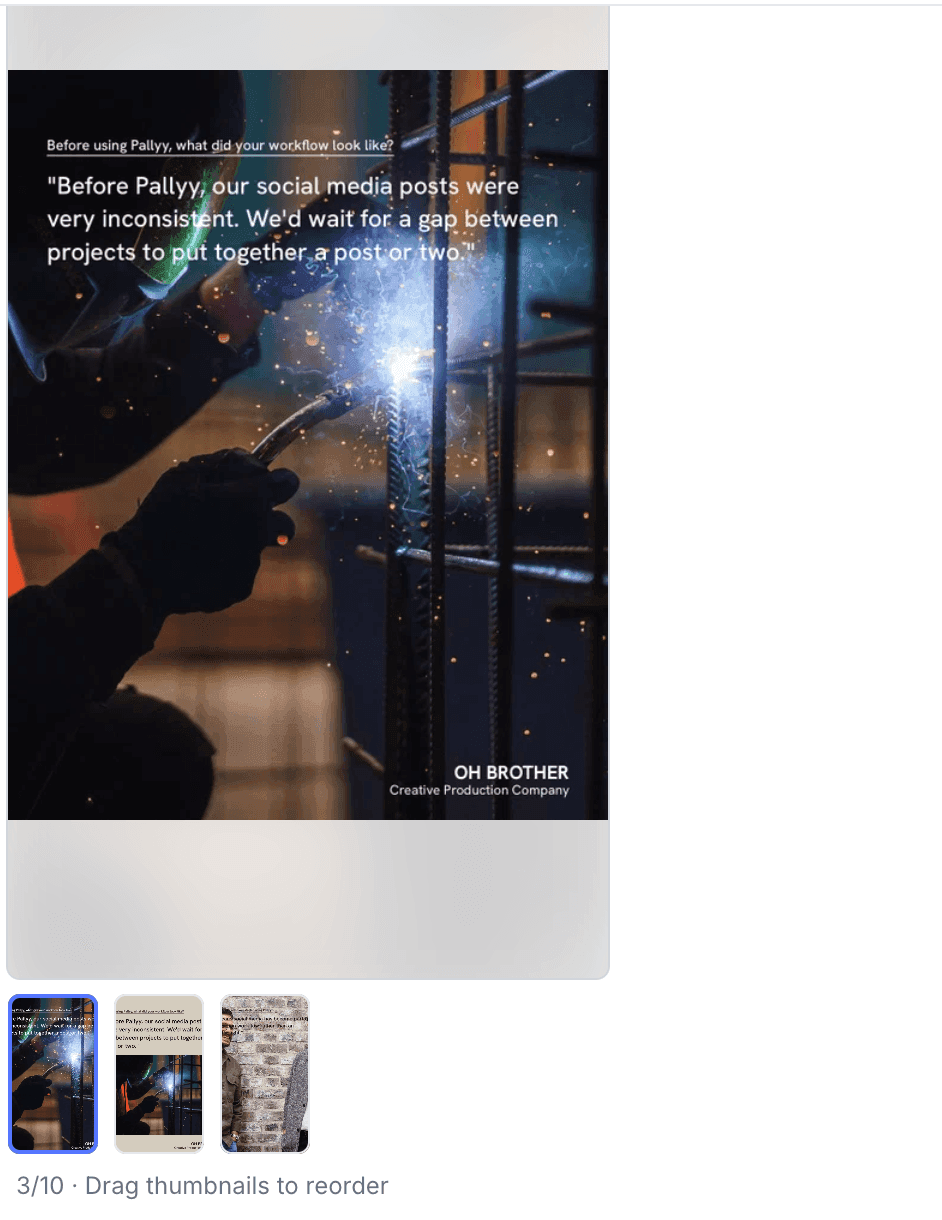
Pallyy schedules multiple Instagram or Facebook stories together in a single post. Attach several images or videos, pick Story as the post type, and each media item publishes as its own story frame at the scheduled time. One post, a whole story sequence.
Links and stickers
Pallyy can't add links or stickers to scheduled stories. That's a platform API limitation, not a Pallyy one.
When a story needs a link or a sticker, the workaround is a push notification post: Pallyy sends the media to your phone at the scheduled time, and you finish the story in the app yourself with the link or sticker added.
Frequently asked questions
Can you schedule Instagram Stories?
Yes. Pallyy schedules Instagram Stories to publish automatically through the official API, including several frames in one scheduled post, with no reminder notification to finish the job from your phone.
Do scheduled stories really publish on their own?
Yes. Pallyy auto-publishes Instagram and Facebook stories through the official APIs, so a scheduled story goes live at its scheduled time with no reminder notification and nothing for you to do.
Can I put more than one image or video in a story?
Yes. Pallyy supports multi-story posts on Instagram and Facebook: attach several media items, choose Story, and each one publishes as its own story frame from the same scheduled post.
Why can't I add a link to my scheduled story?
Links aren't supported on scheduled stories because of a platform API limitation, not a Pallyy one. Use a push notification post for any story that needs a link or sticker.
More in Features
Still need help? Email us at hey@pallyy.com and we'll get back to you.